For construction and trade crews
Every site's jobs on every phone. Even on the third floor.
Half-built floors, basements and lift shafts have no reception, and the job list on the van's dashboard doesn't update itself. tick-tock-done keeps the week's jobs, the materials list and the time clock on each person's phone, saves every tap there first and sends it when the signal is back.
Get started- Jobs by site
- Time clock with no signal
- Hours for payroll
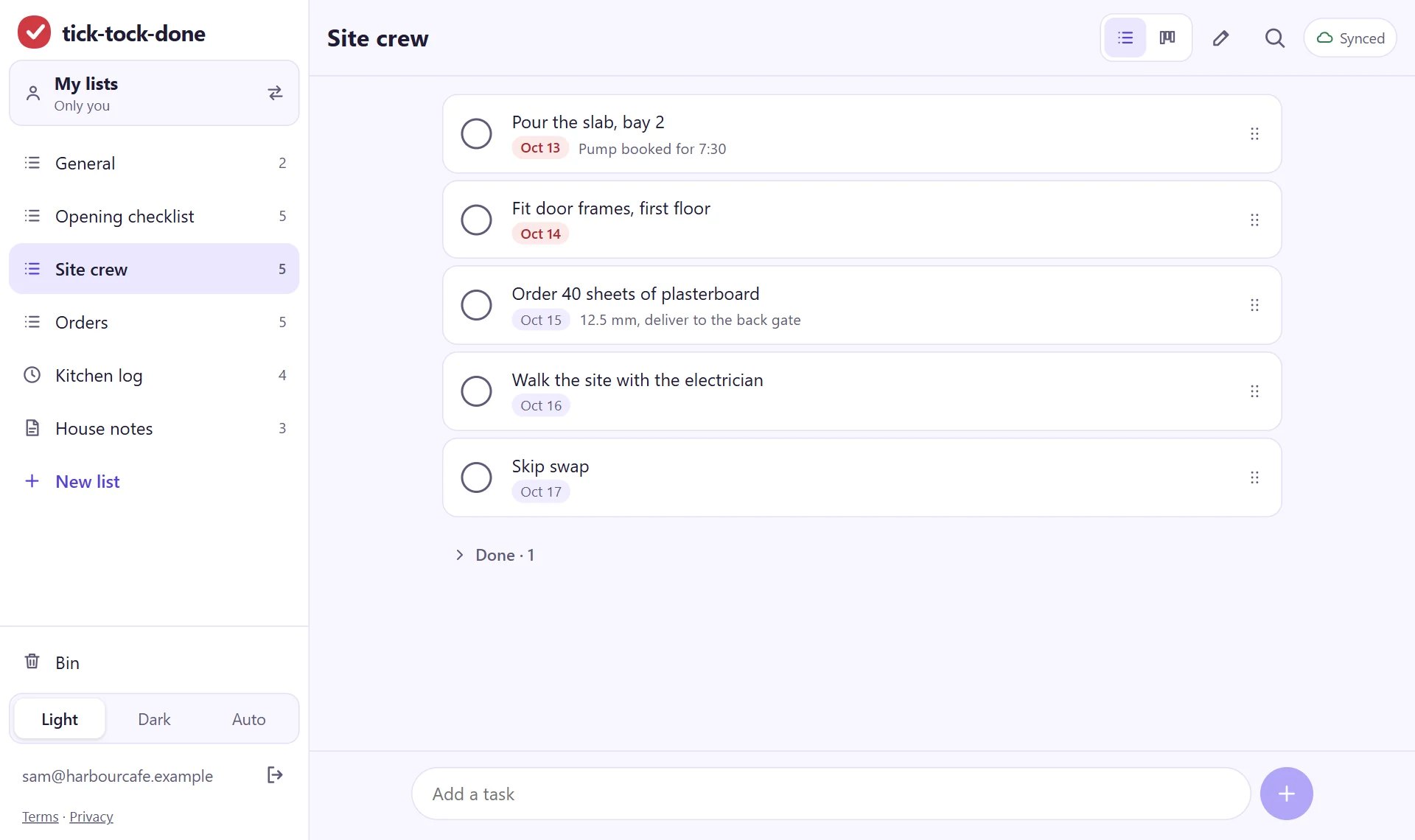
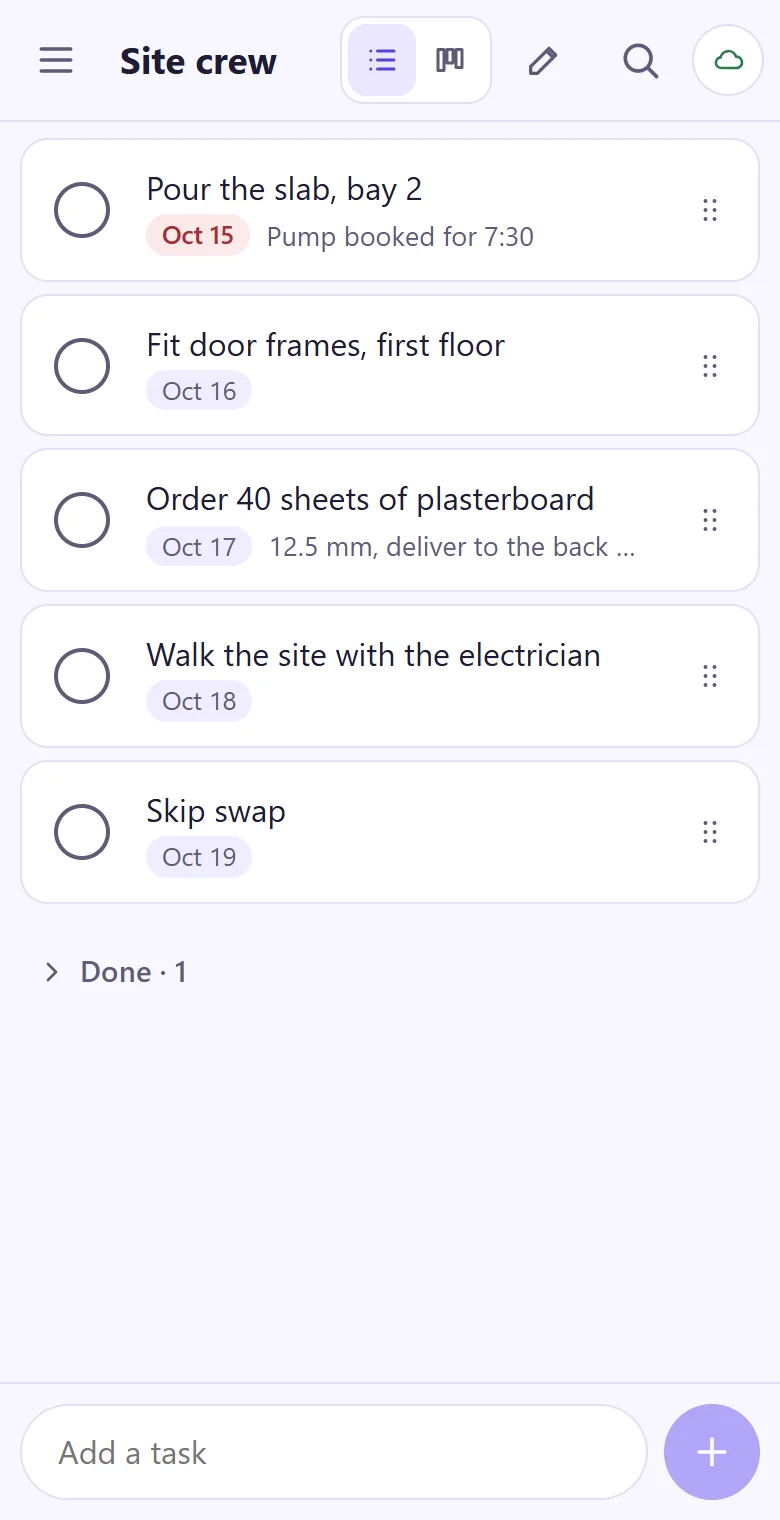
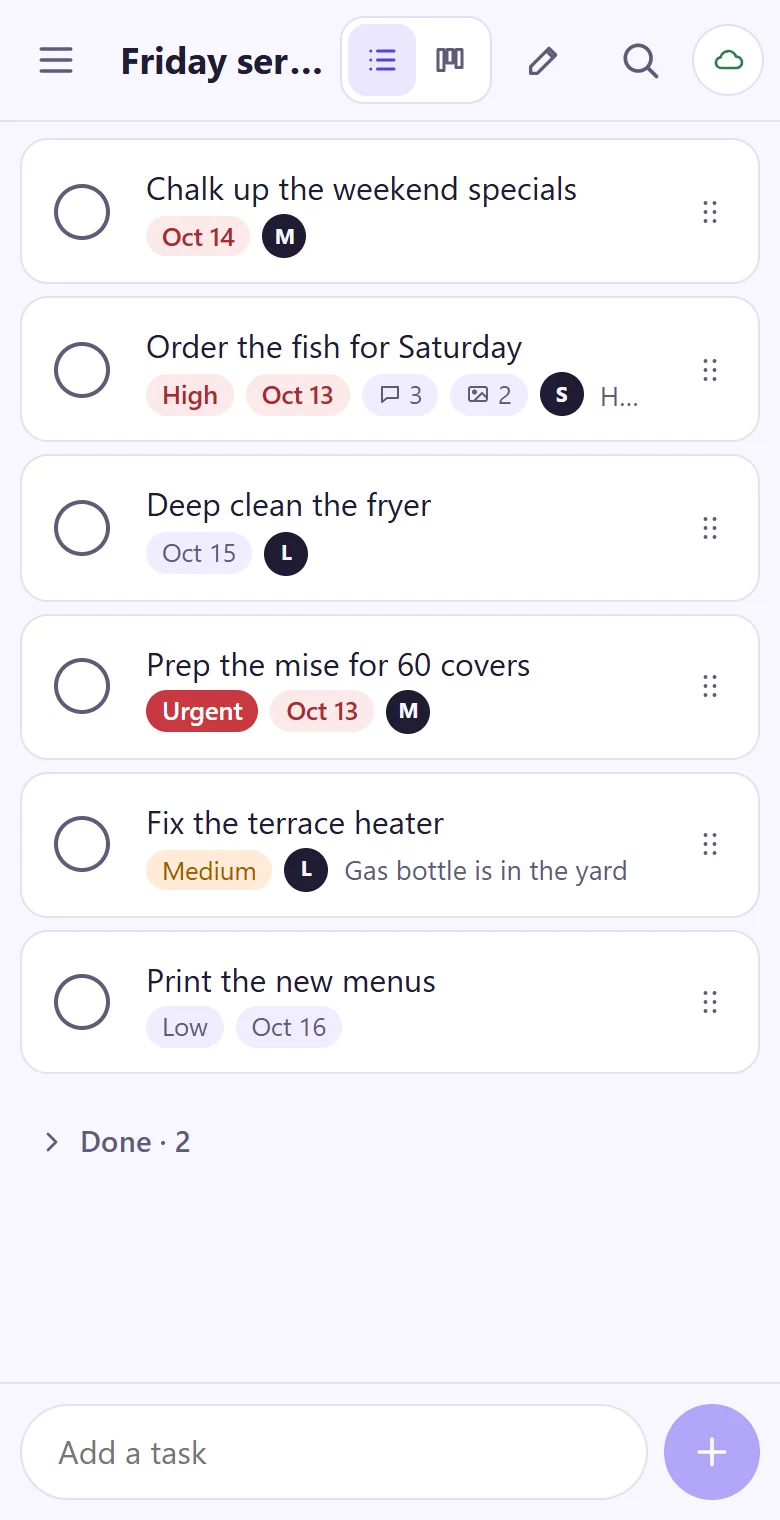
The week's jobs, in the order they have to happen
Slab before frames, frames before plasterboard. Put each site's jobs in order, give them to a person and a day, and the crew sees their own on the phone in the morning. No boards to design first: name a list and start typing.
- A list per site, or one per crew
- Materials to order, with sizes and where to drop them
- A site log: who came, what was checked, what was signed off
- Statuses you can rename: To do, Doing, Stuck, Done, or your own words
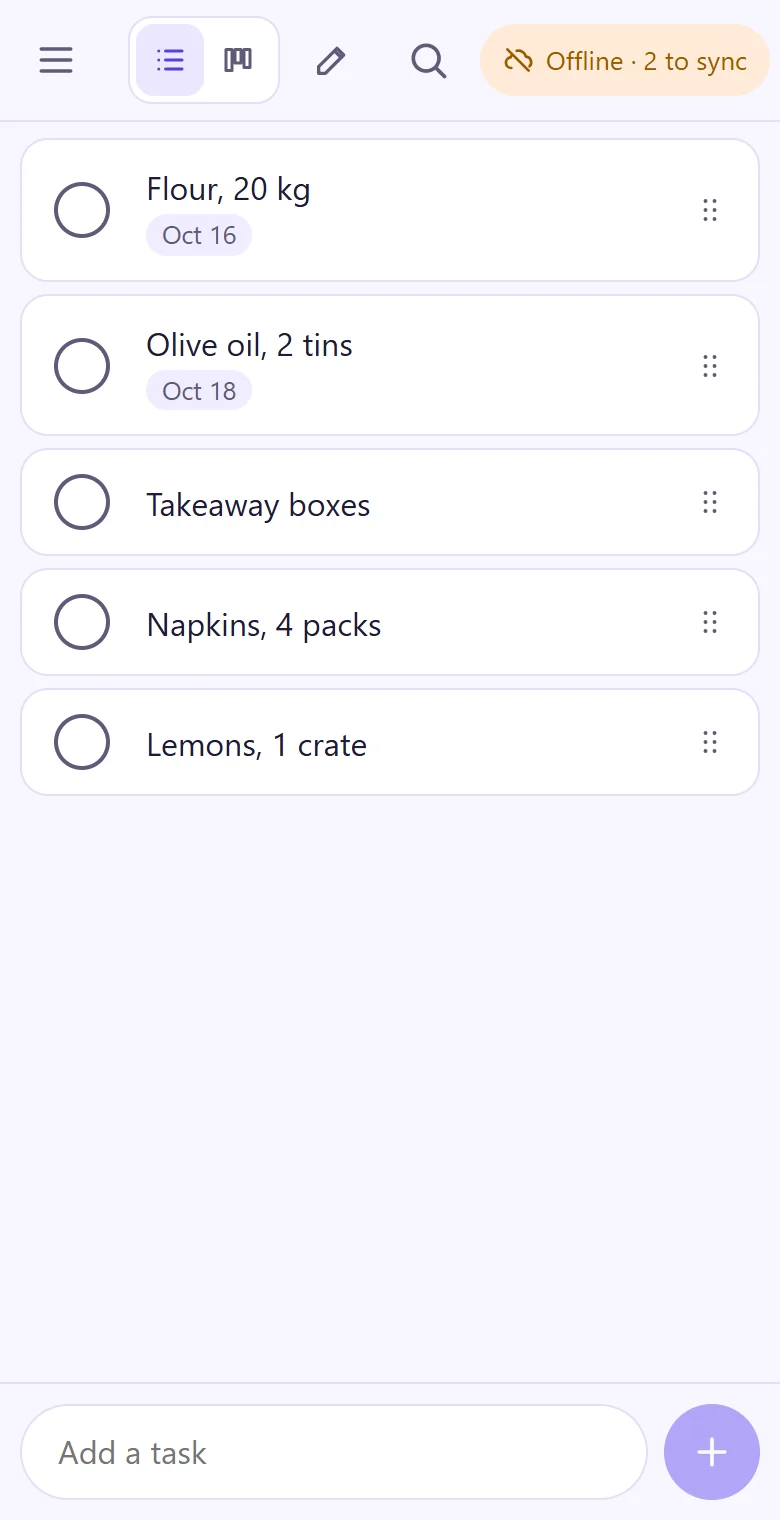
No signal? Keep working.
Every change is saved on the phone first and sent when the connection is back. A small label always says where things stand: Synced, Syncing or Offline · 2 to sync. The time clock works the same way: a clock-in in the basement keeps its time.
- Opens with no connection once it's on the home screen
- The same lists on the phone, the tablet and the office laptop
- Photos of the finished wall or the leak go on the job once there's a connection
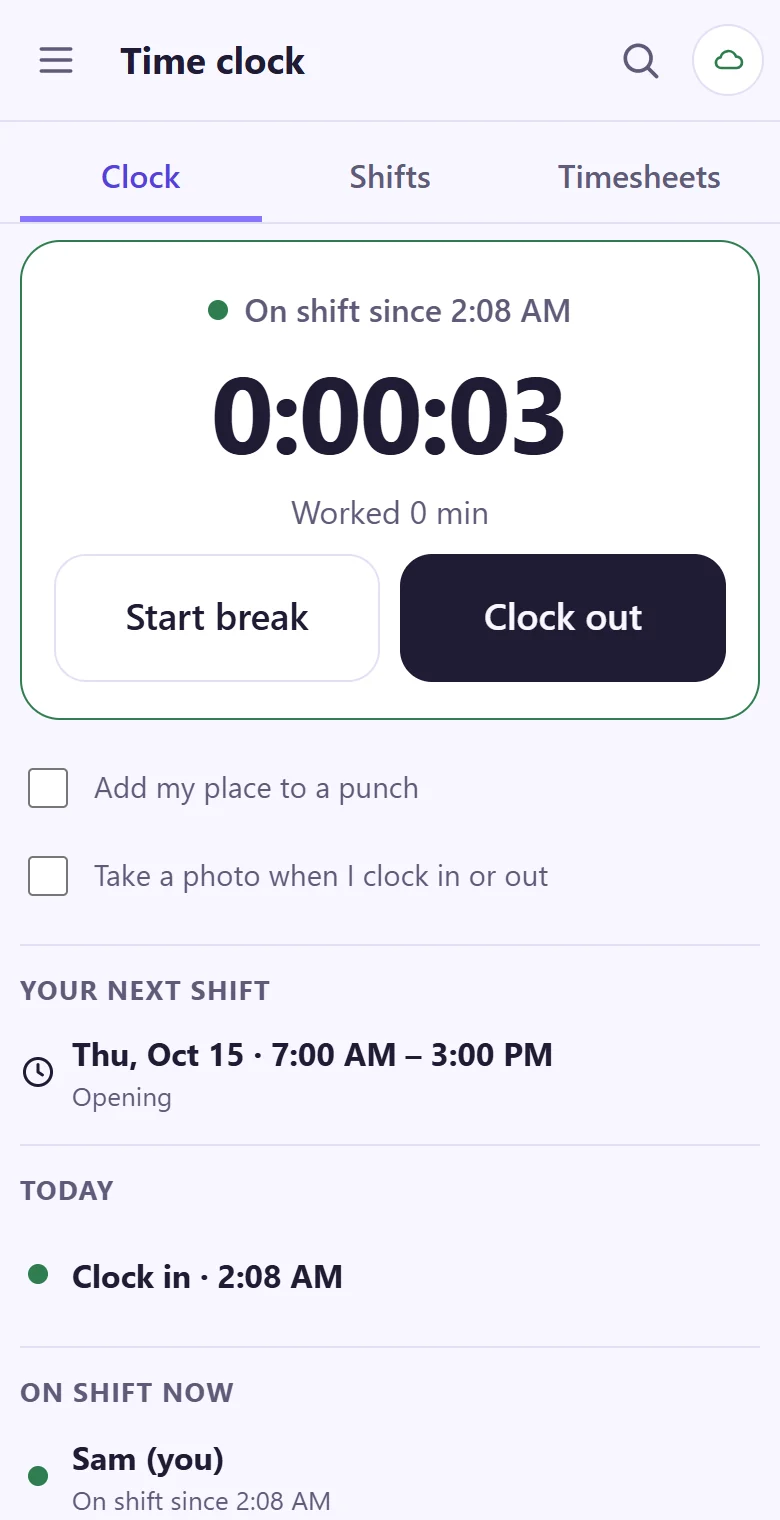
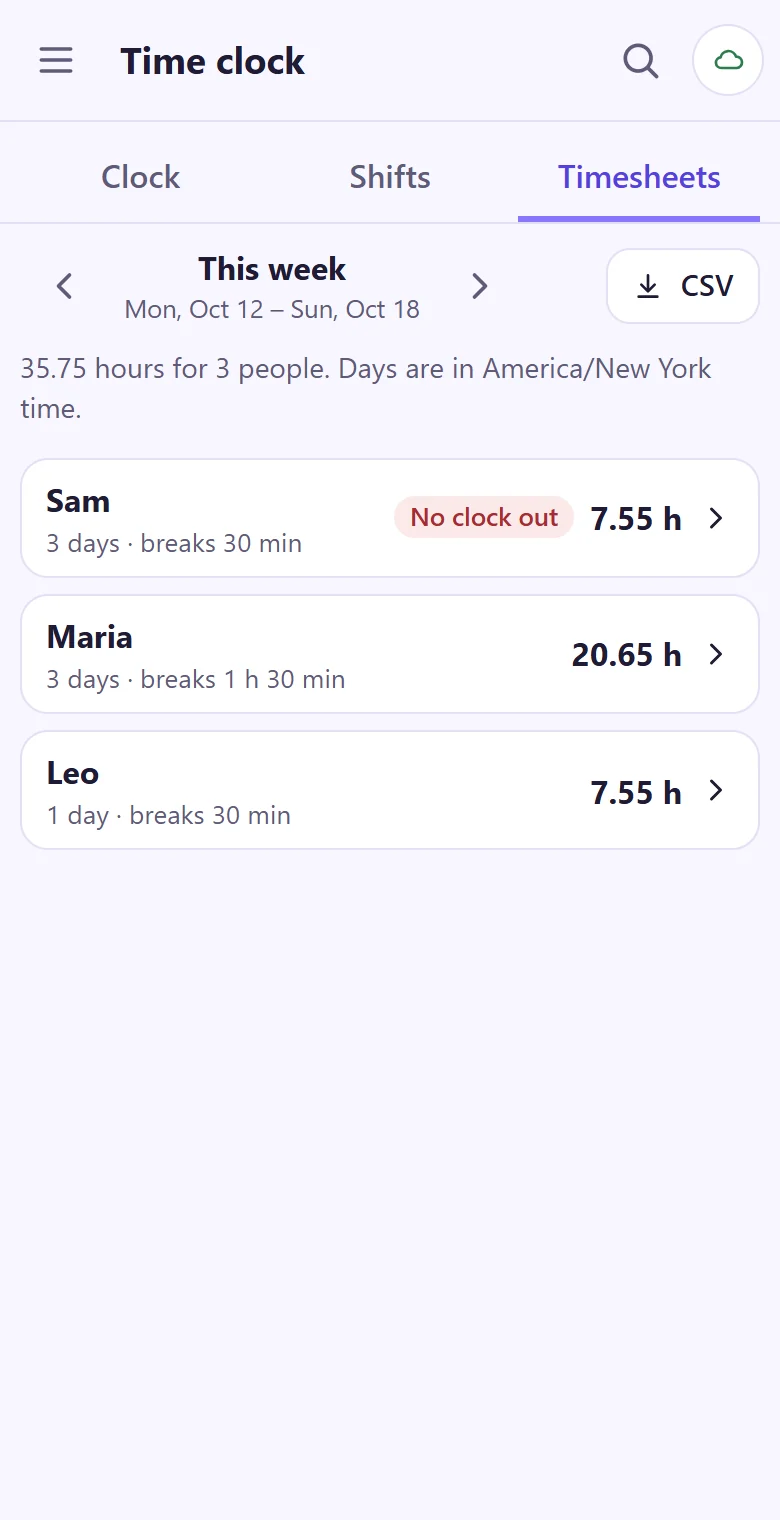
Hours by person and week, ready for payroll
Clock in at the gate with two taps. The hours add themselves up, and on payday you download the week as a CSV file instead of reading timesheets off the back of a receipt.
- A shift plan for the week; everyone sees their own shifts
- A place or a photo with the tap, when a person turns it on
- A forgotten clock-out is fixed by a manager with a reason; the first tap stays on record
- Owner, managers and members: the crew ticks jobs, the lists stay tidy
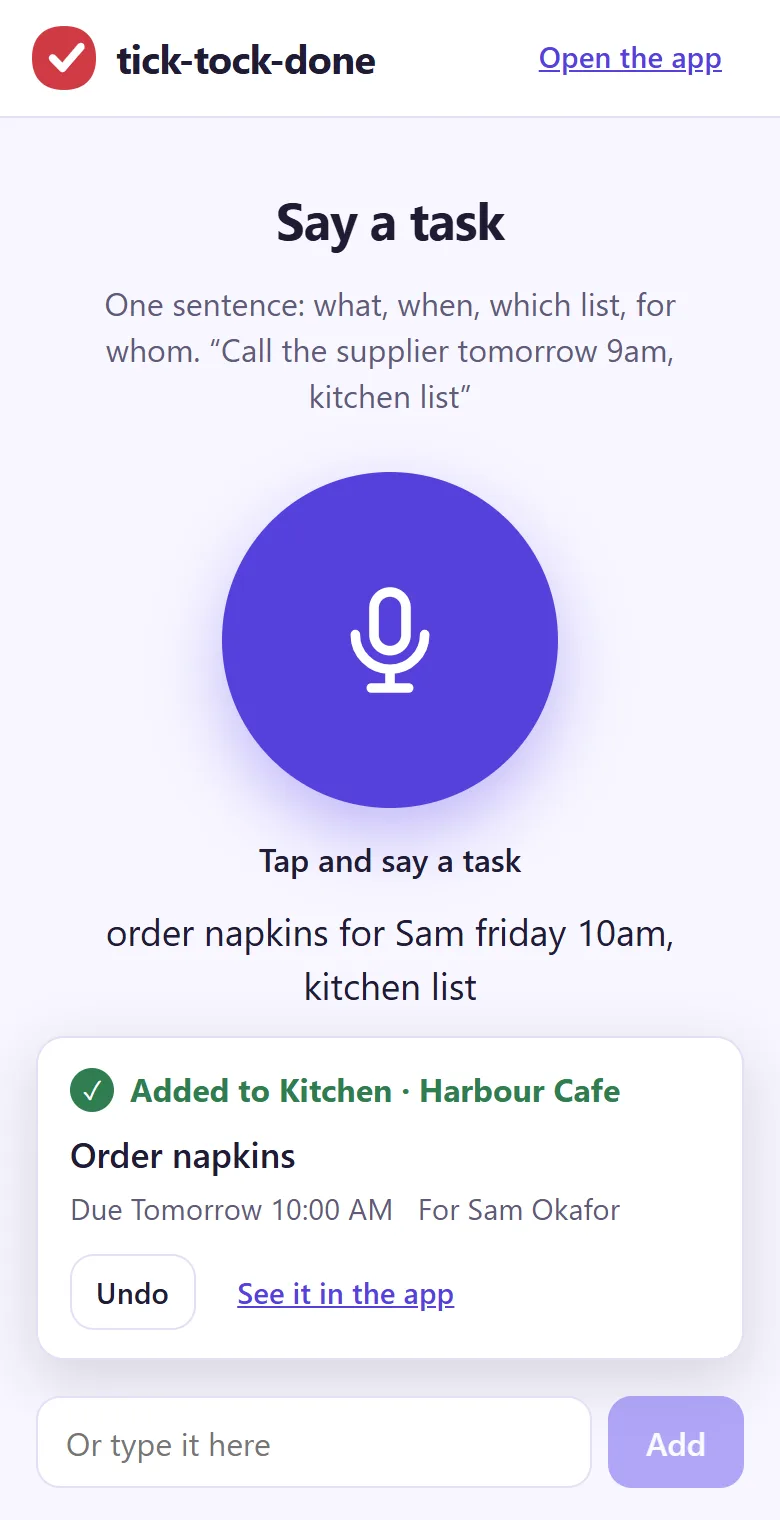
Gloves on? Say the job.
tick-tock-done Say takes one sentence, like "order plasterboard for Dan Friday 8am, site list", and puts the job in the right list with the day and the person. At the end of the day the free shift handover note tells the next crew what's open and what to watch for.
Put Monday's site jobs on the list.
It takes about a minute: your email, a code, and you're typing. Then read the join code out to the crew.
Get started