For restaurants, cafes and bars
Open on time. Close clean. Know who is on.
The opening checklist, the fridge temperatures, the fish order and Saturday's rota usually live on a clipboard, a whiteboard and a group chat. Put them on the phone in every pocket instead: the crew ticks the jobs, logs the readings and clocks in at the door, and you see it from wherever you are.
Get started- Opening and closing checklists
- Rota and clock-in
- Works in the cellar
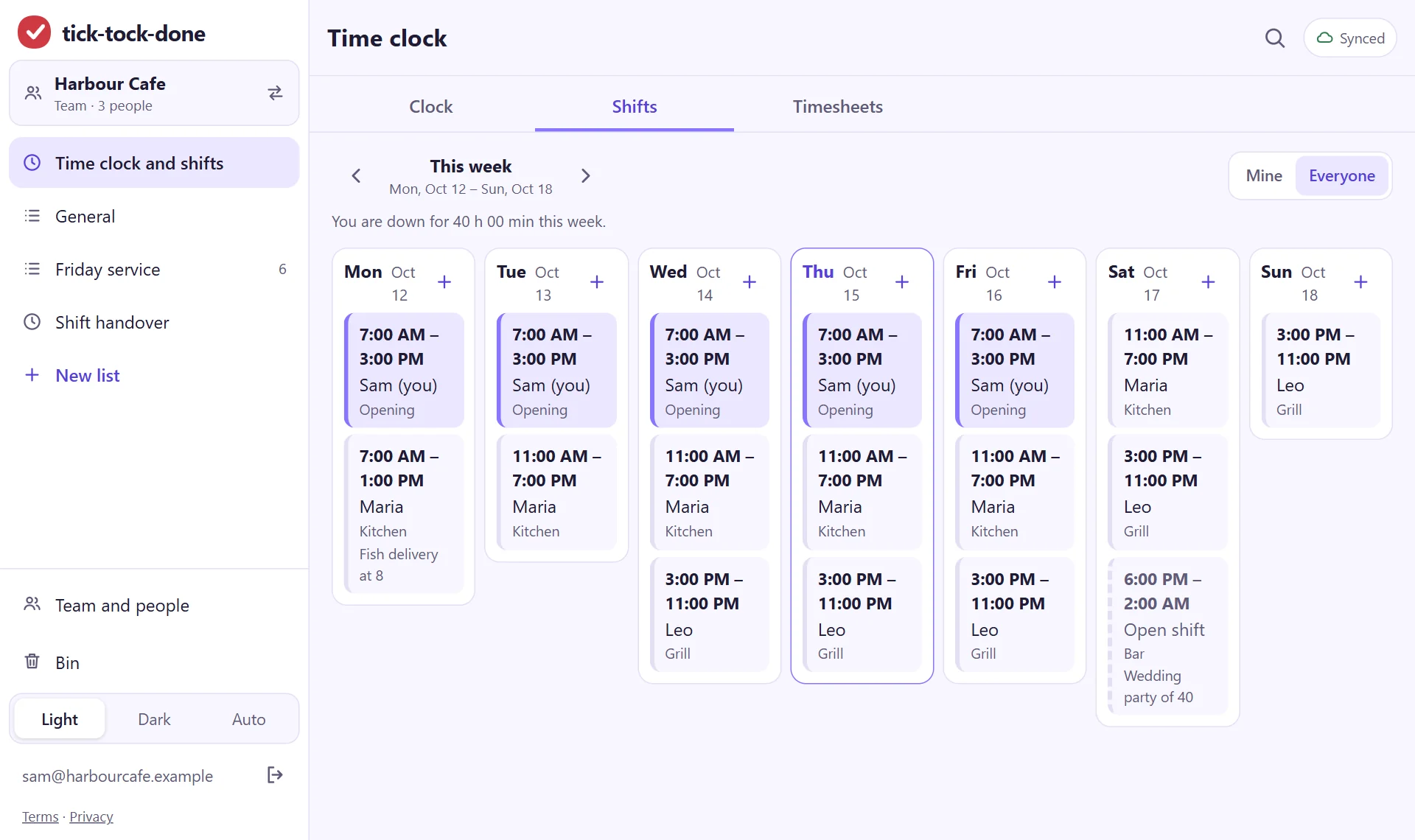
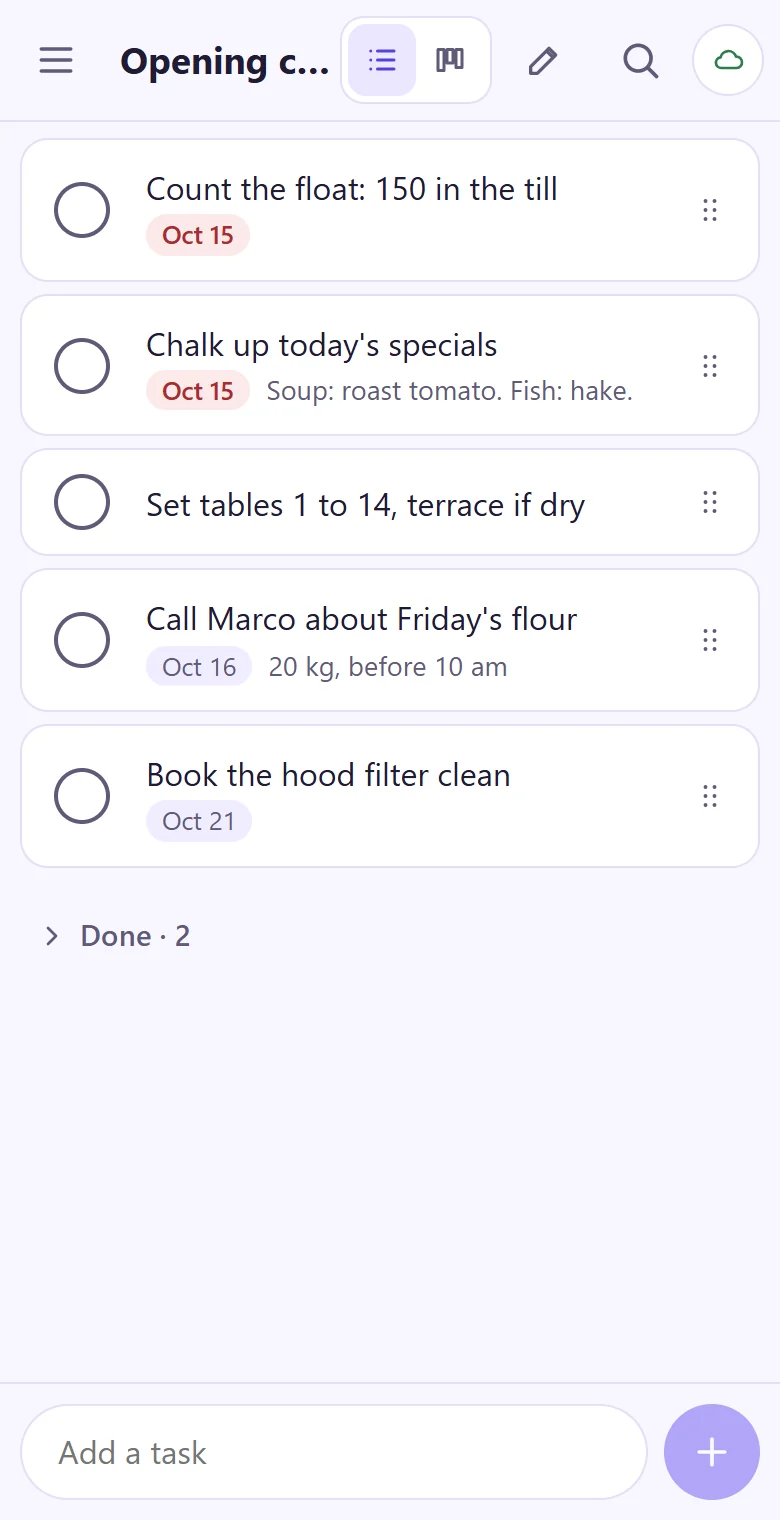
The opening checklist, in the order the shift runs
Write it once: lights, coffee machine, fridge check, float in the till, chalkboard out. Whoever opens ticks it on their phone, and the done jobs fold away. Tomorrow's opener starts from the same list.
- Drag the jobs into the order the morning really goes
- A note under a job for the thing people get wrong
- One list for opening, one for closing, one for the deep clean
- Light and dark, for the pass at noon and the bar at midnight
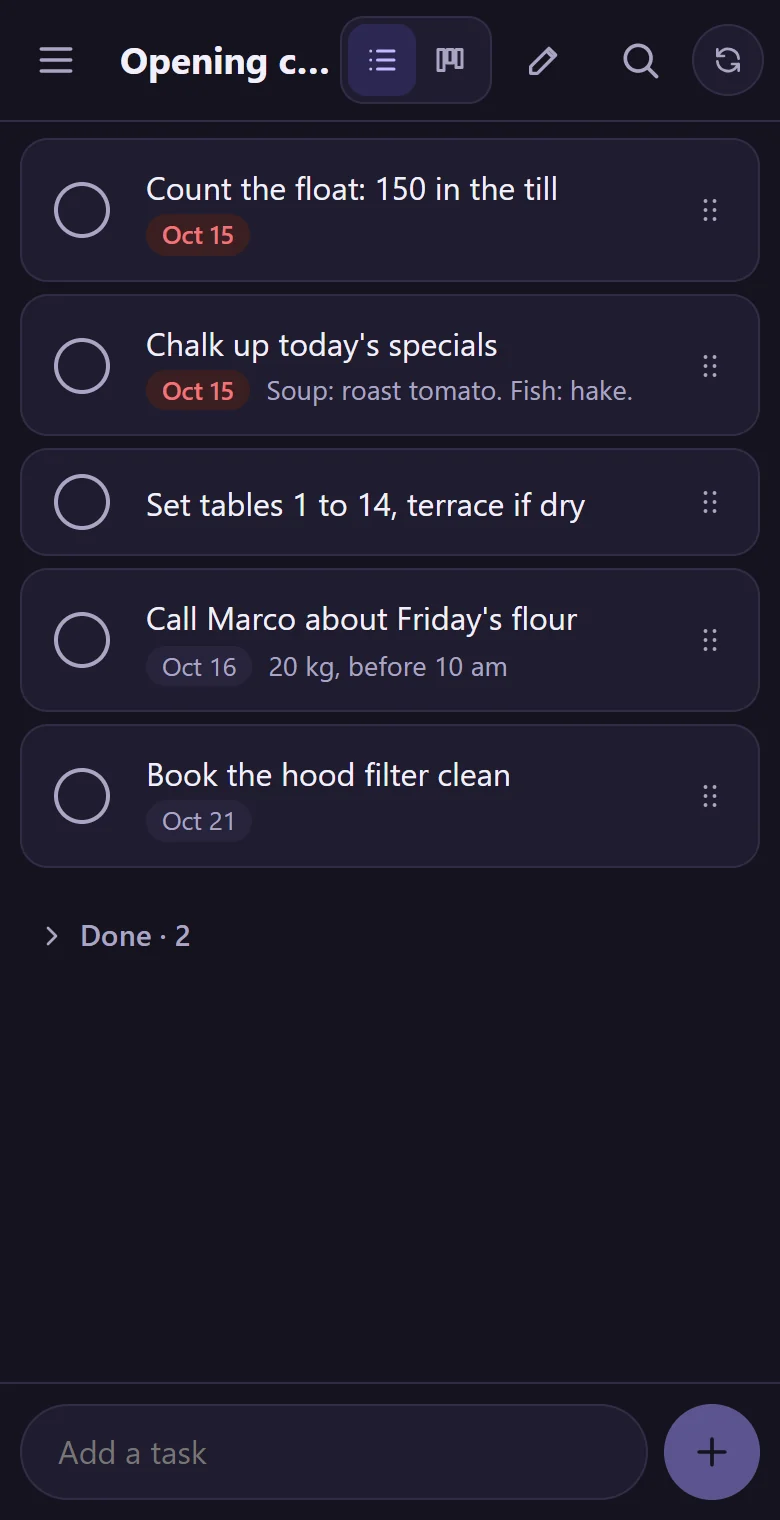
A kitchen log that writes the time for you
Fridge and freezer readings, a delivery that came short, the allergy note for table six. Every line gets its time by itself, so when someone asks what happened on Tuesday, it's there.
- Temperatures, deliveries and allergy notes, each with its time
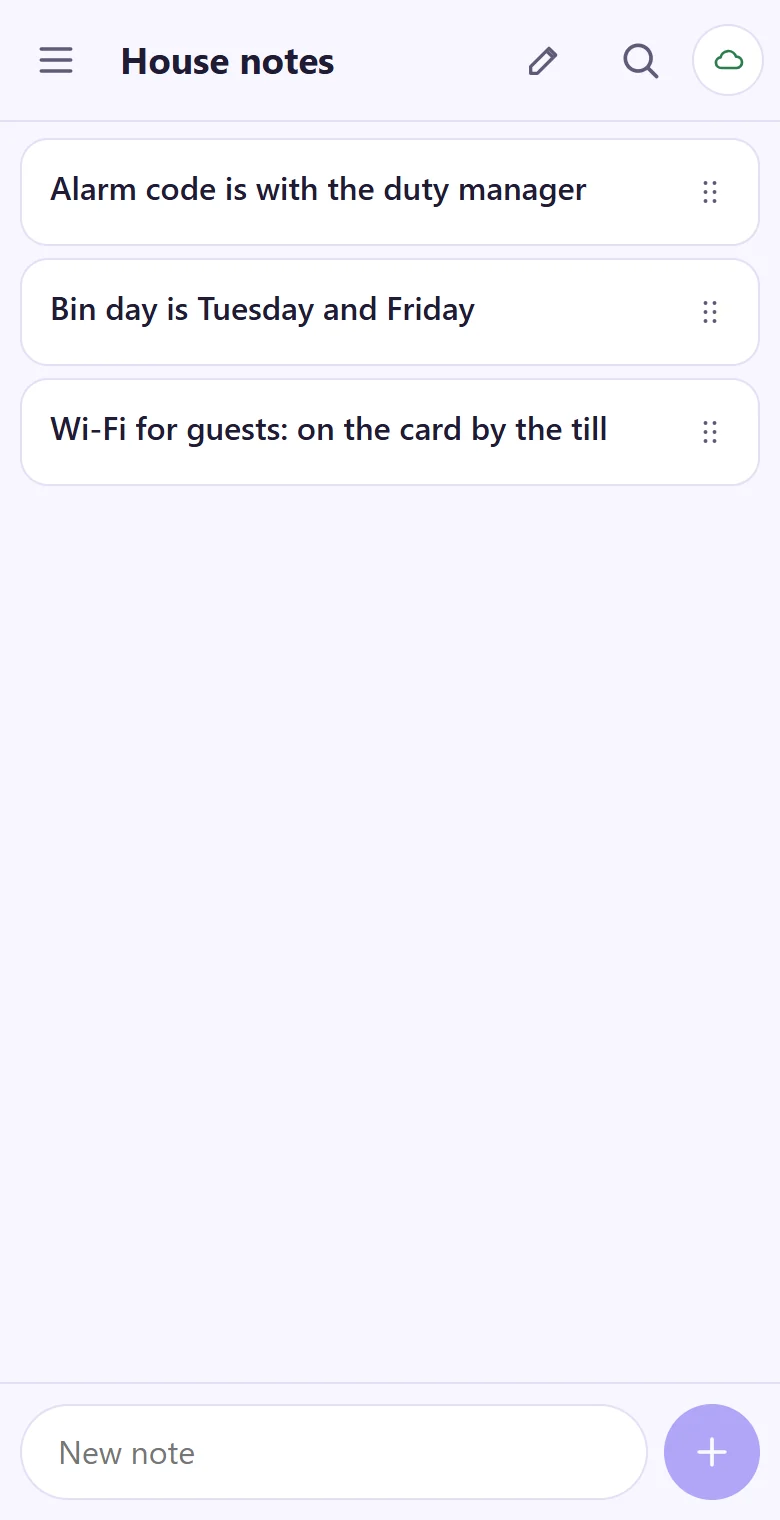
- Notes for the things people keep asking: bin days, keys, the guest Wi-Fi
- Search finds a word across every list
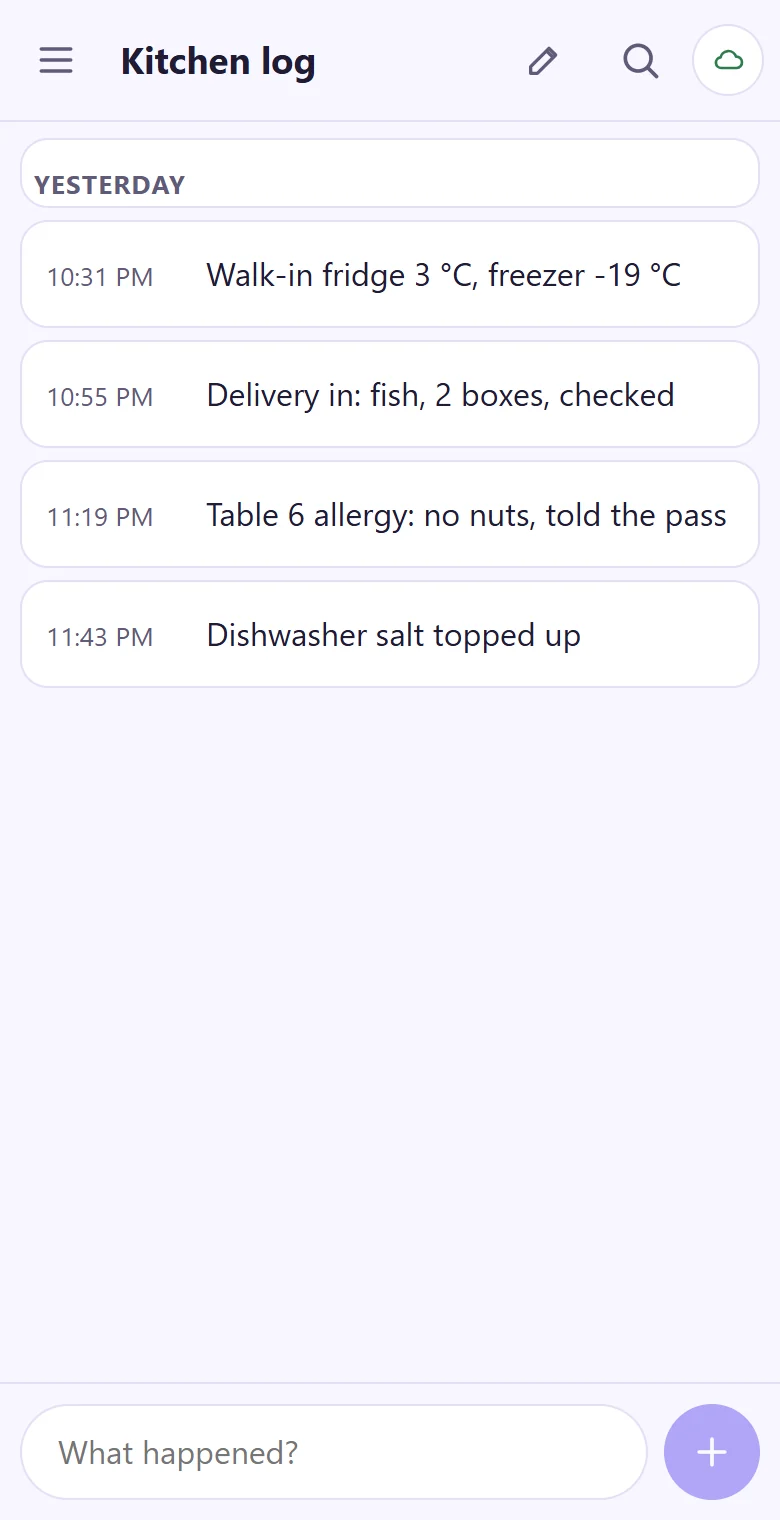
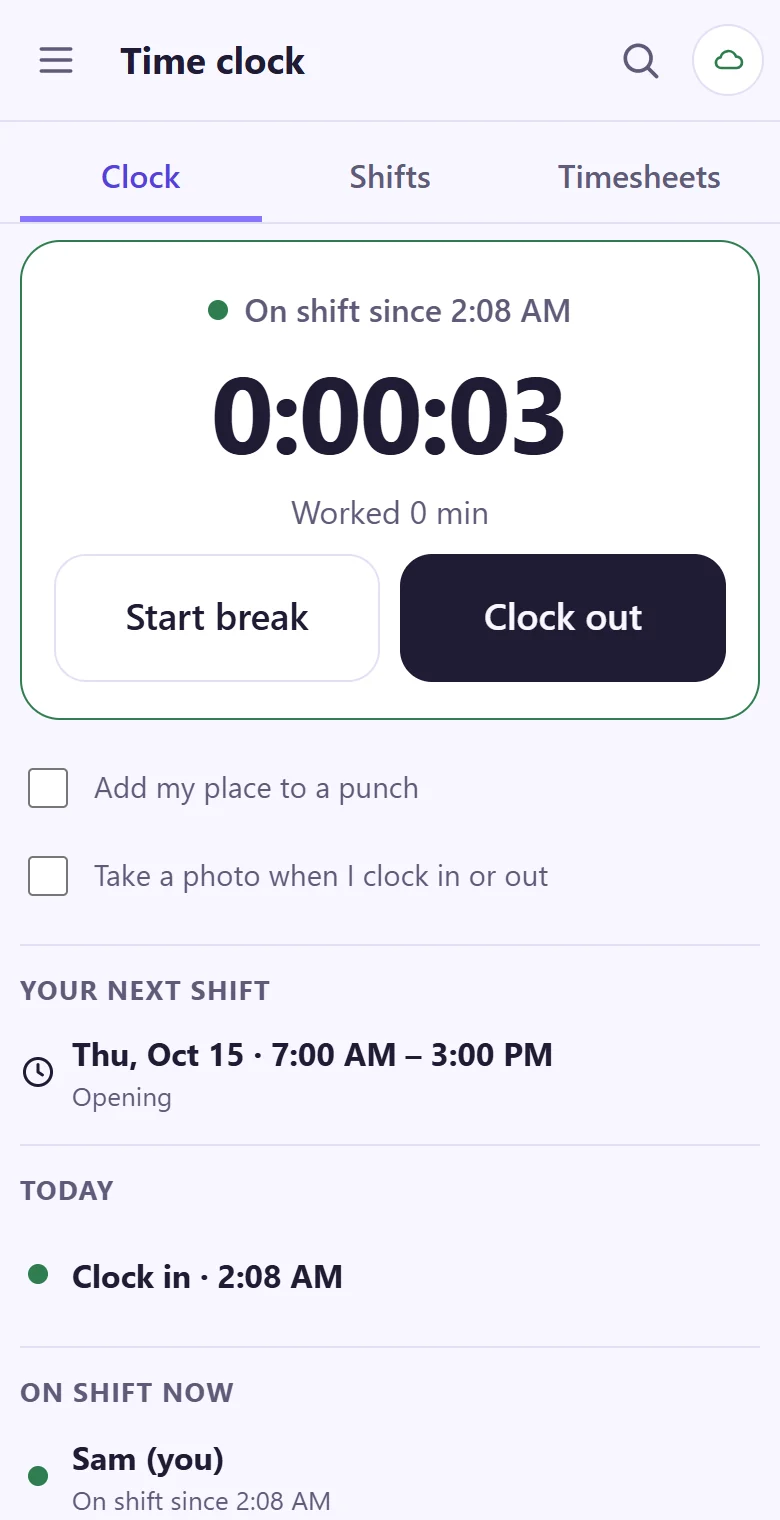
The rota on every phone. Clock-in at the door.
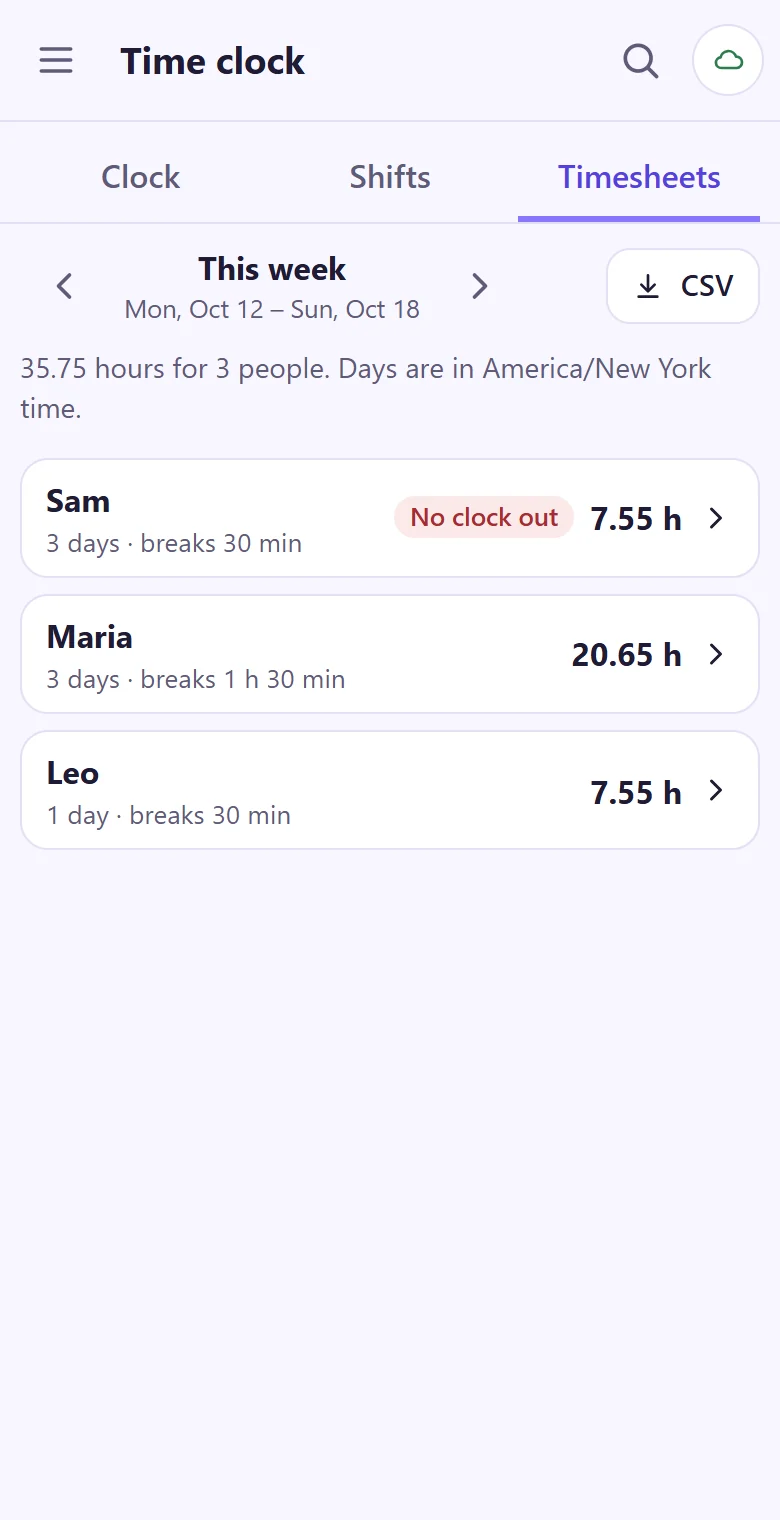
Plan the week's shifts on a laptop; everyone sees their own shifts on their phone. They tap Clock in when they arrive, and the hours add themselves up by person and week, ready for payroll.
- Break, back and out: one tap each
- With no signal the tap is kept with its time and sent later
- Timesheets by person and week, and a CSV file for payroll
- A forgotten clock-out is fixed by a manager with a reason
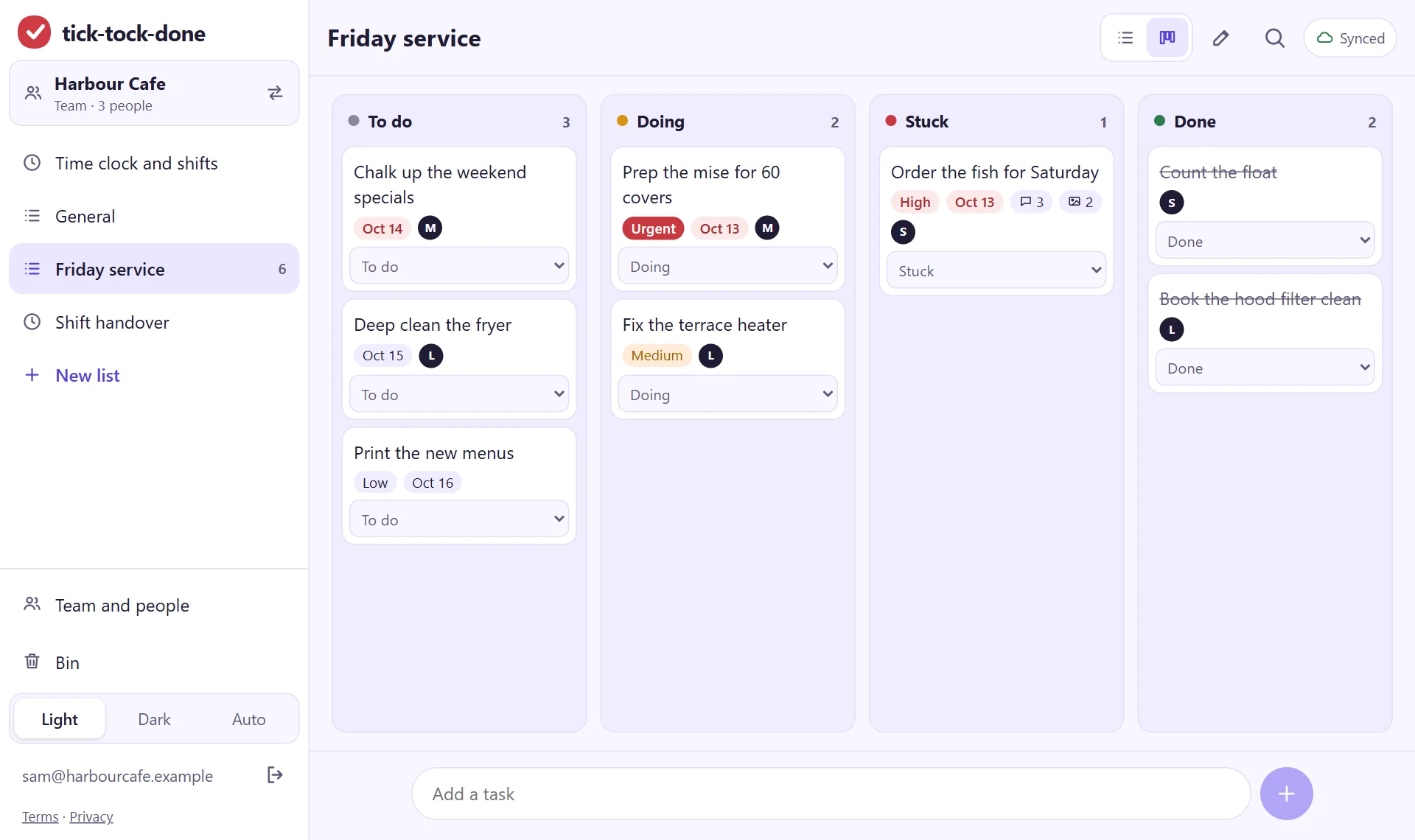
Friday service on one board
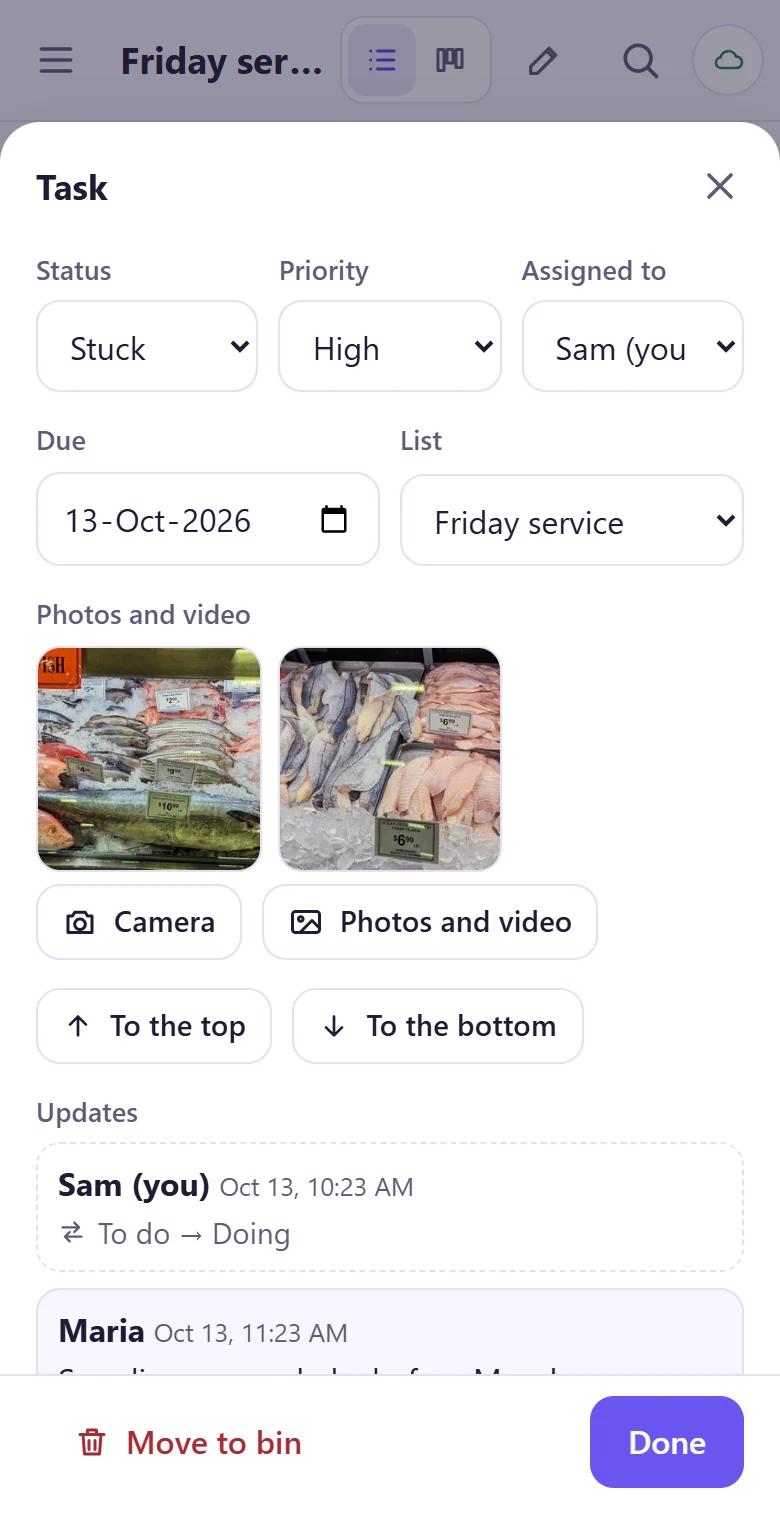
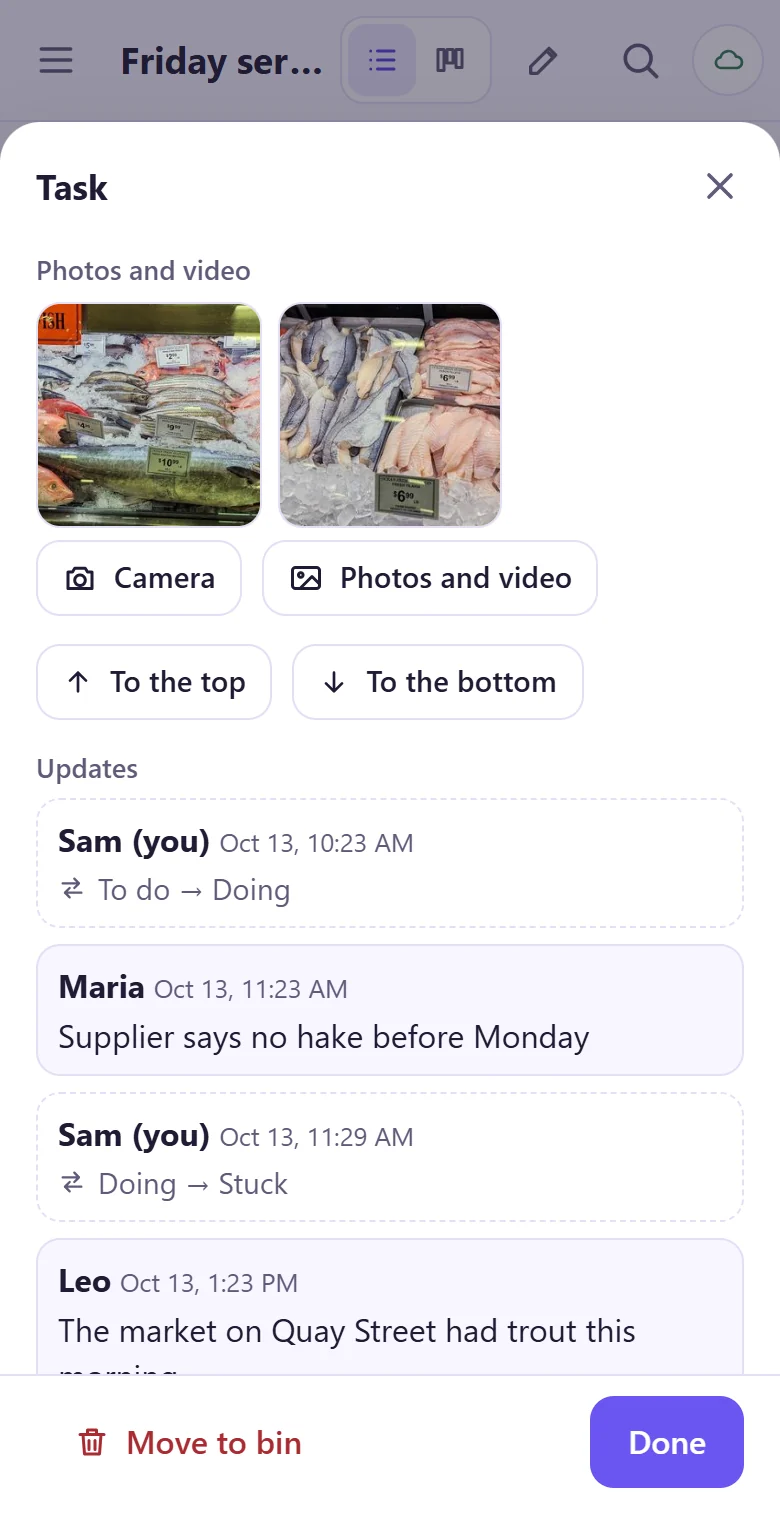
Give a job to a person and see what is waiting, what is moving and what is stuck. A photo of what the supplier had on the counter goes on the job itself, so the next shift sees it there.
The handover the next shift actually reads
Every job keeps its own short history: who moved it, what they said and the photos they added. For the end of a shift there is also a free shift handover note you can print or send, and a guide to handovers that don't drop tasks.
Put tomorrow's opening checklist on the list.
It takes about a minute: your email, a code, and you're typing. Then read the join code out to the crew.
Get started