For event crews
Every cue, every load-in, ticked on the day.
The run of show is on a printout in one person's pocket, the florist is at the wrong dock, and nobody knows if the second hall is ready. tick-tock-done puts the day on every phone: the next cue up top and whose it is, the vendors due in, and setup by area with a photo of the finished job.
Start my event app- The next cue on every phone
- Vendors ticked as they arrive
- Opens with no signal
The run of show, one cue at a time
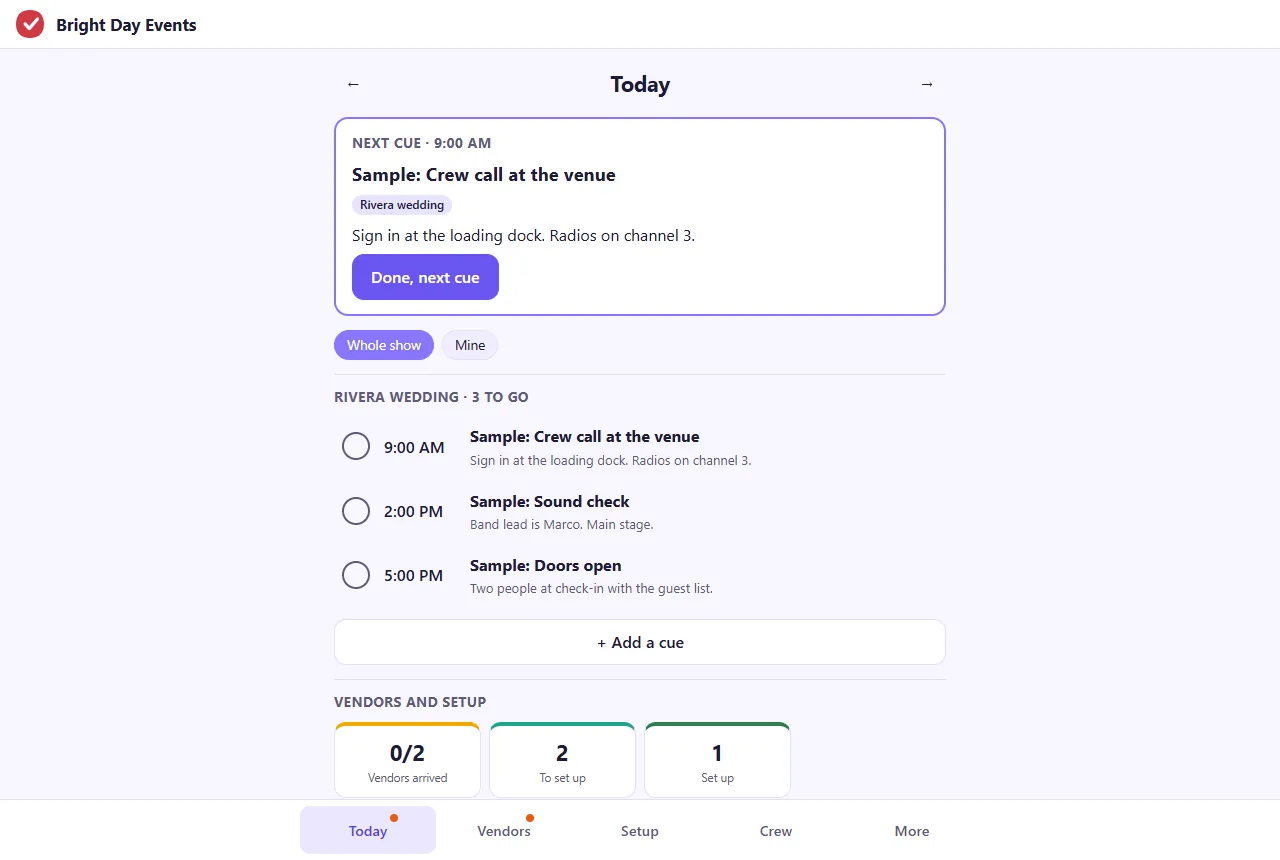
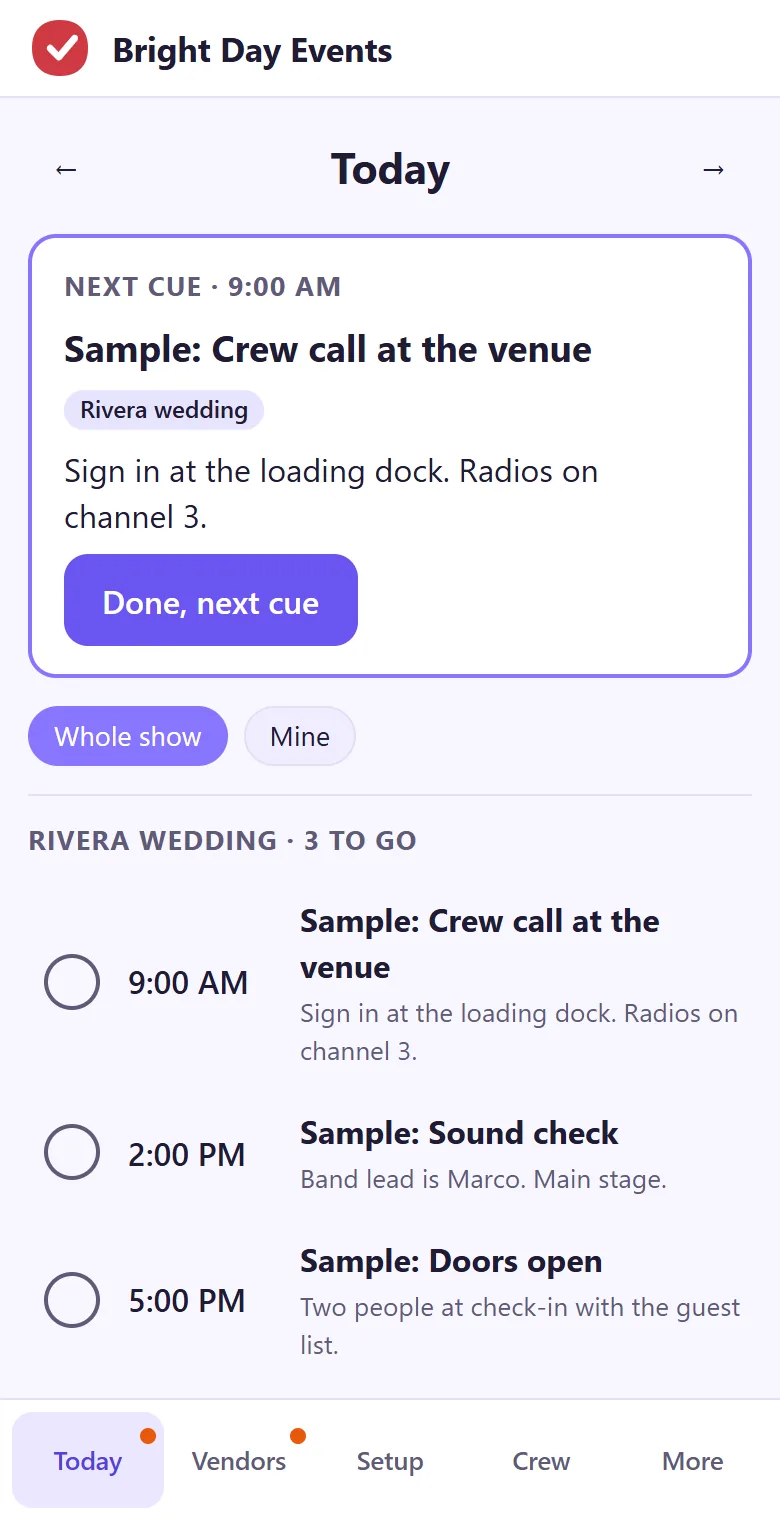
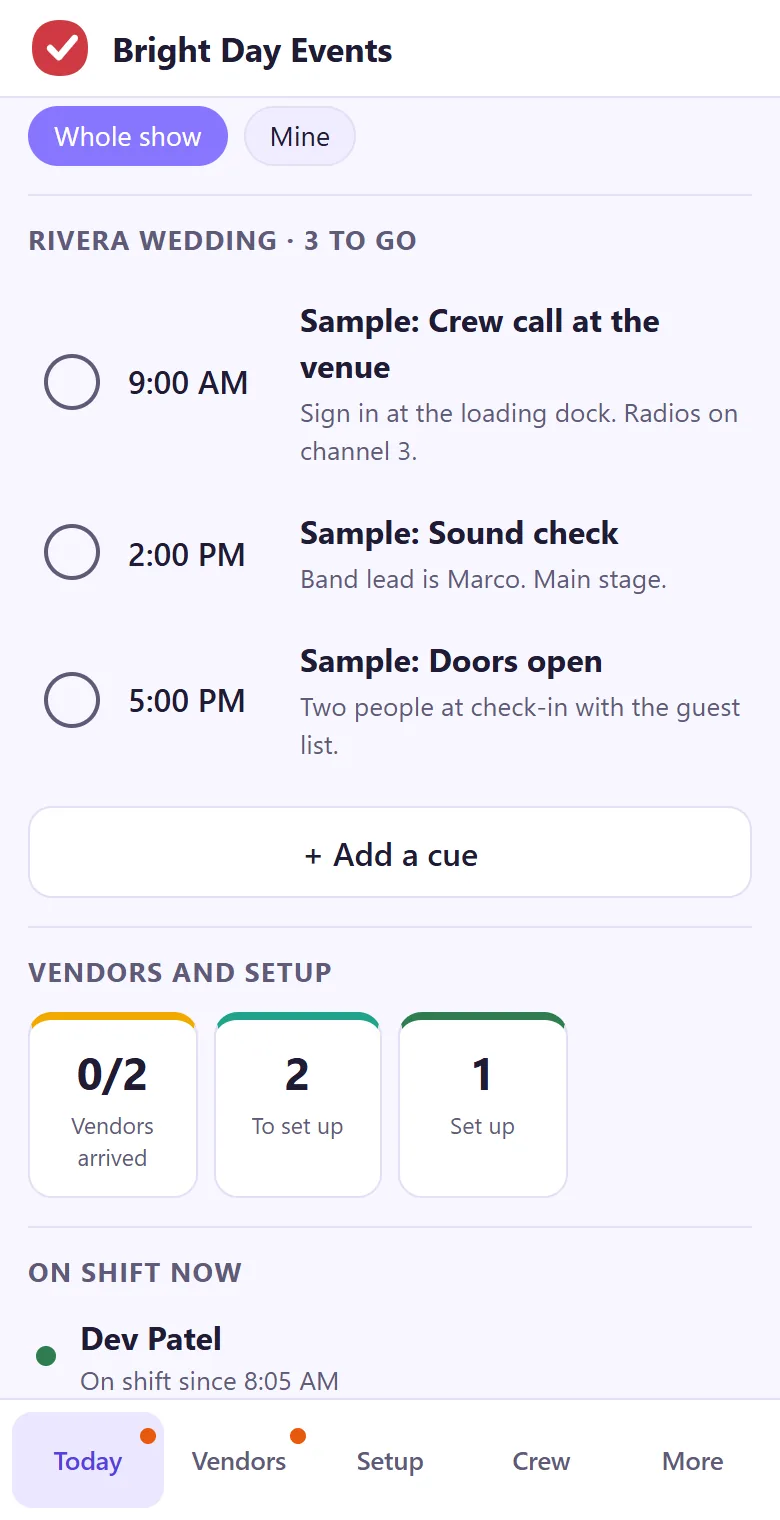
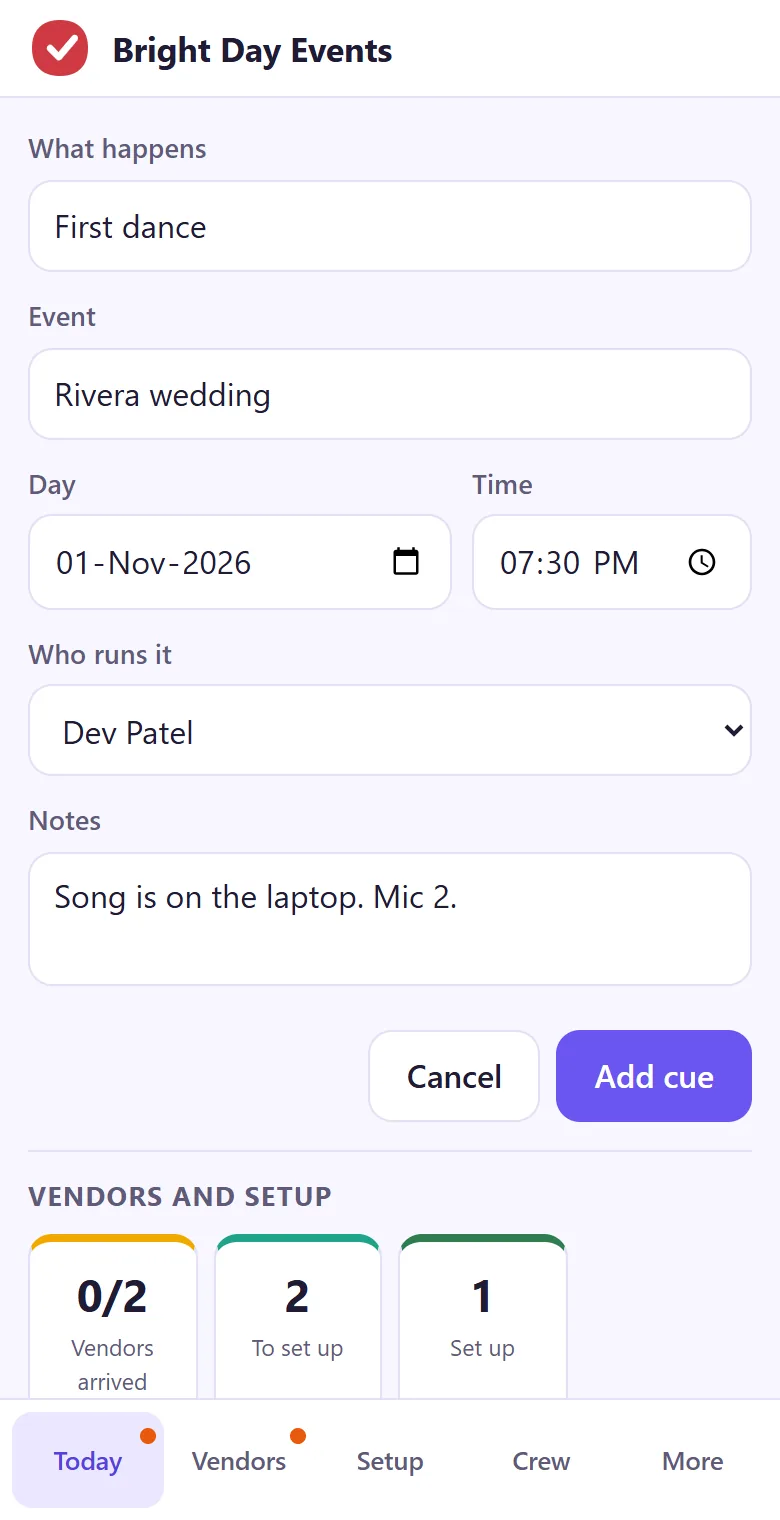
Each cue has what happens, the event, the time, who runs it and what they need. The next one sits at the top of Today. Tap Done and the one after it moves up, on every phone in the crew.
- The day's cues by event, if you run more than one
- Whole show, or Mine for just your own cues
- Notes on each cue: mic numbers, radio channels, who to find
- Add a cue on the day when the schedule moves
Vendors: who is due, where they go, who signs
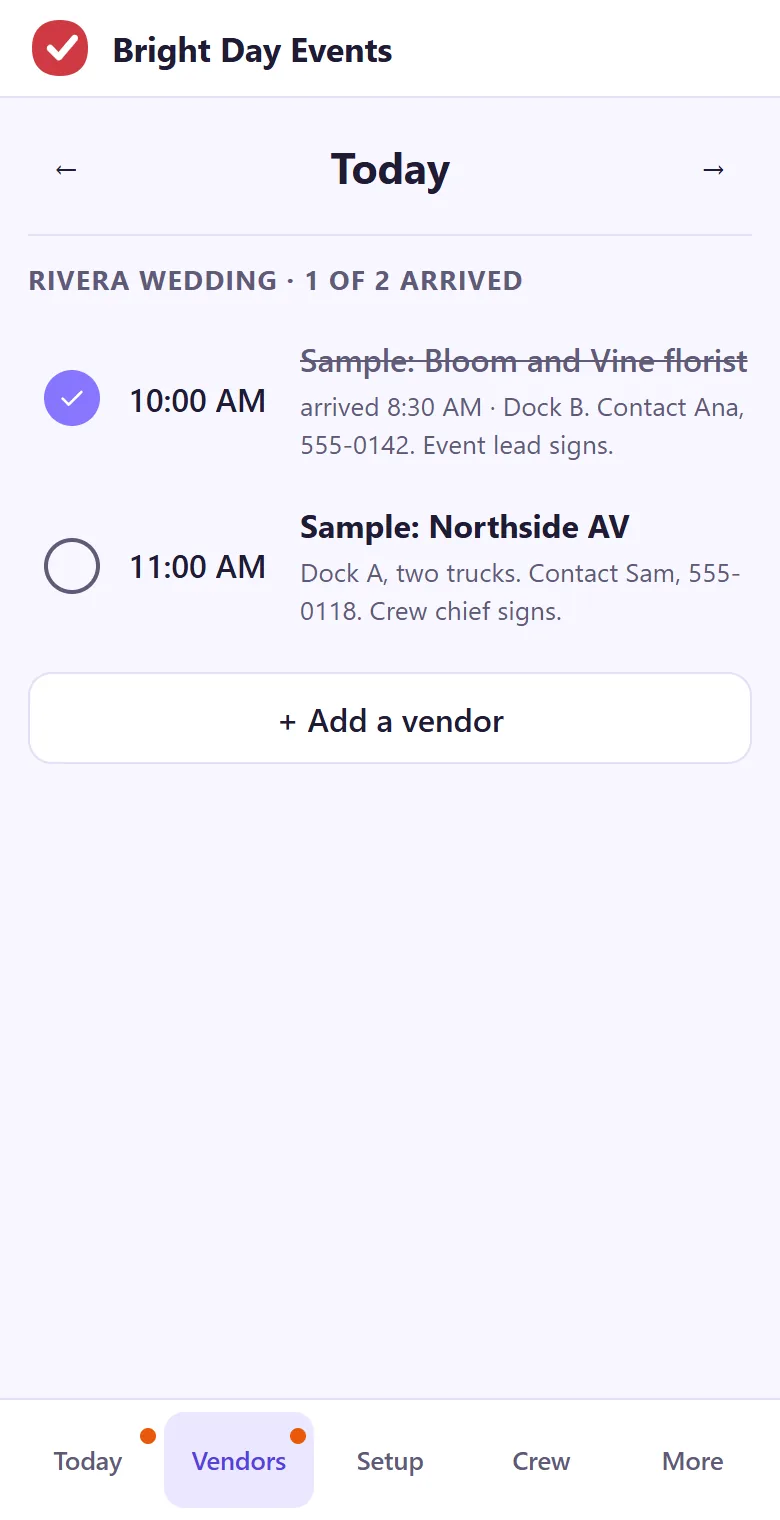
Add each load-in with the vendor, the event and the time, and write the dock, the contact and who signs in the notes. Tick the vendor when they arrive, and the crew sees how many of the day's vendors are in without asking on the radio.
- The day's load-ins by event, in time order
- A count of how many have arrived
- Dock, contact and who signs, in one line
- Vendors still to arrive get a dot on the tab
Setup and teardown, area by area
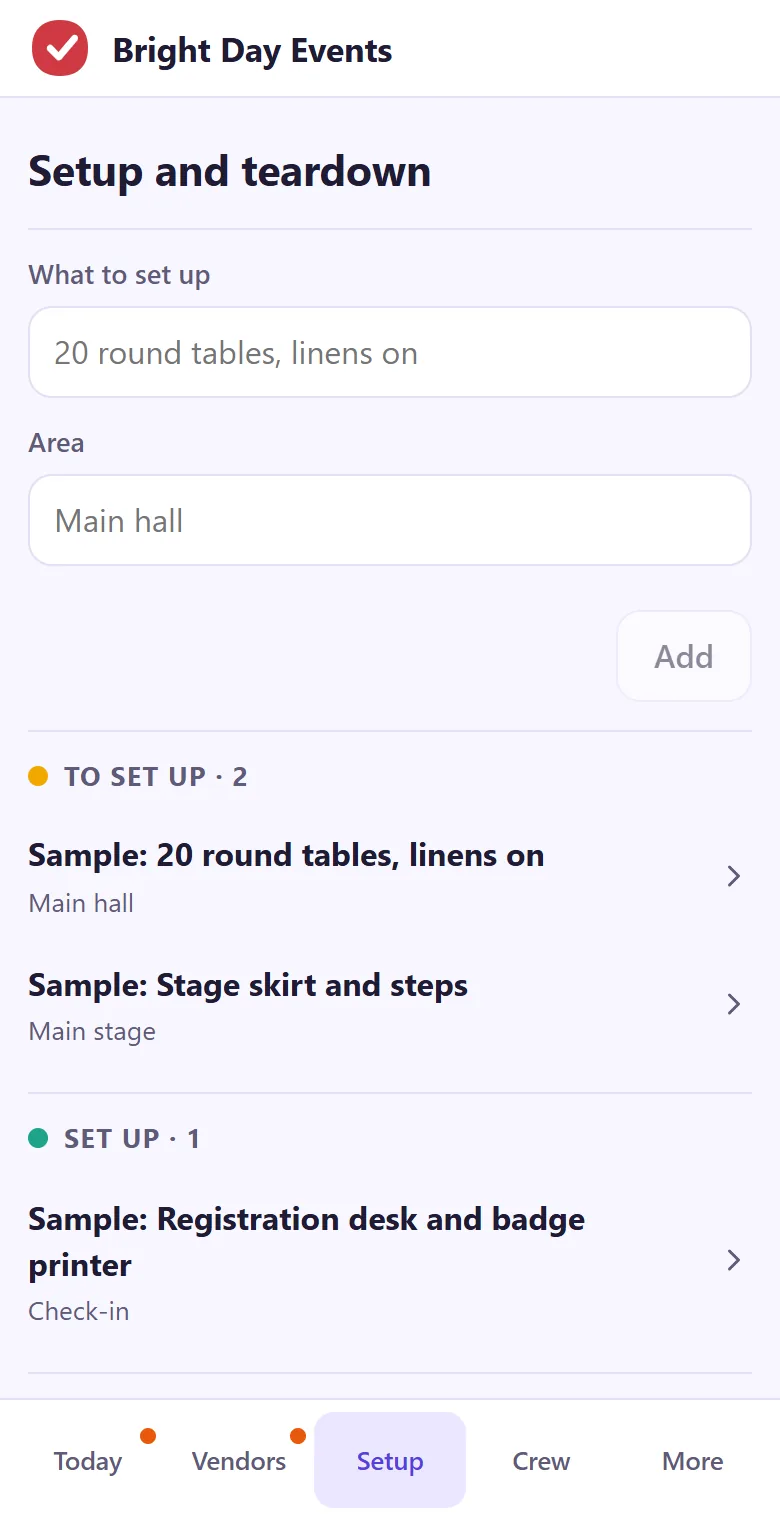
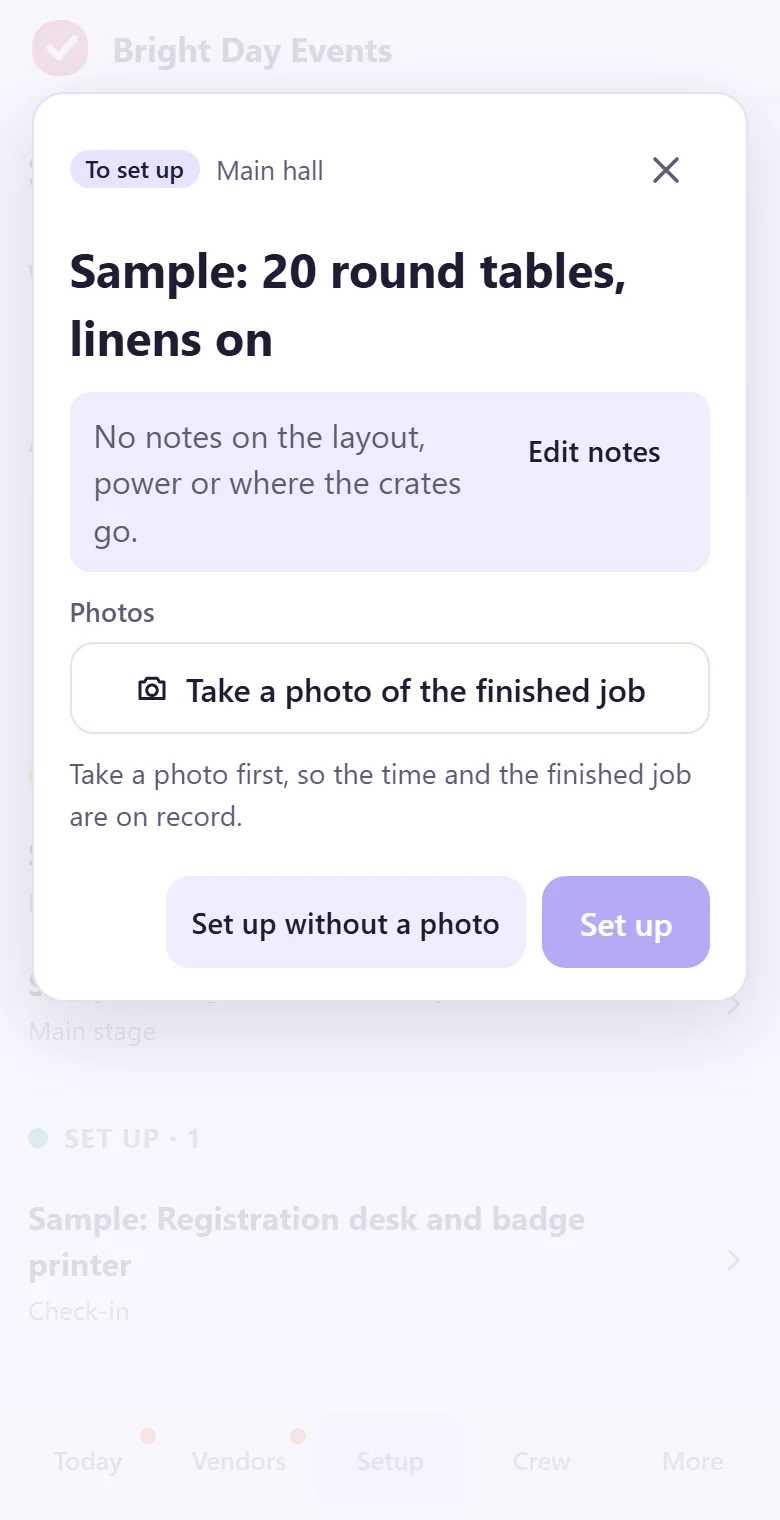
Each job has an area and moves from To set up, to Set up, to Torn down. Setting it up asks for a photo of the finished job, so the event lead can see the room from the other end of the venue. The time clock and the week's shifts are in the same app, on the Crew tab.
- Jobs by area: main hall, stage, check-in
- A photo of the finished job, with its time and who added it
- Photos upload when the phone has a connection
- Clock in and out, and the week's shifts for the crew
Already have event software?
Keep it for ticketing, guest lists and budgets. tick-tock-done is for the crew's side of the day: the next cue, the vendors at the dock and the rooms getting ready.
Put your next event's cues on the list.
It takes about a minute: your email, a code, and you're typing. Then read the join code out to the crew.
Start my event app