For equipment, tool and party rental crews
Every drop-off and pickup, with a photo at both ends.
A late pickup makes the next delivery late, and a scratched loader or a torn tent turns into "it was like that when it came". tick-tock-done puts the day's runs on each driver's phone, and the gear gets photos when it comes off the truck and when it goes back on, each with the time it was added.
Get started- Runs on every driver's phone
- Photos at drop-off and pickup
- Yard checklists and a time clock
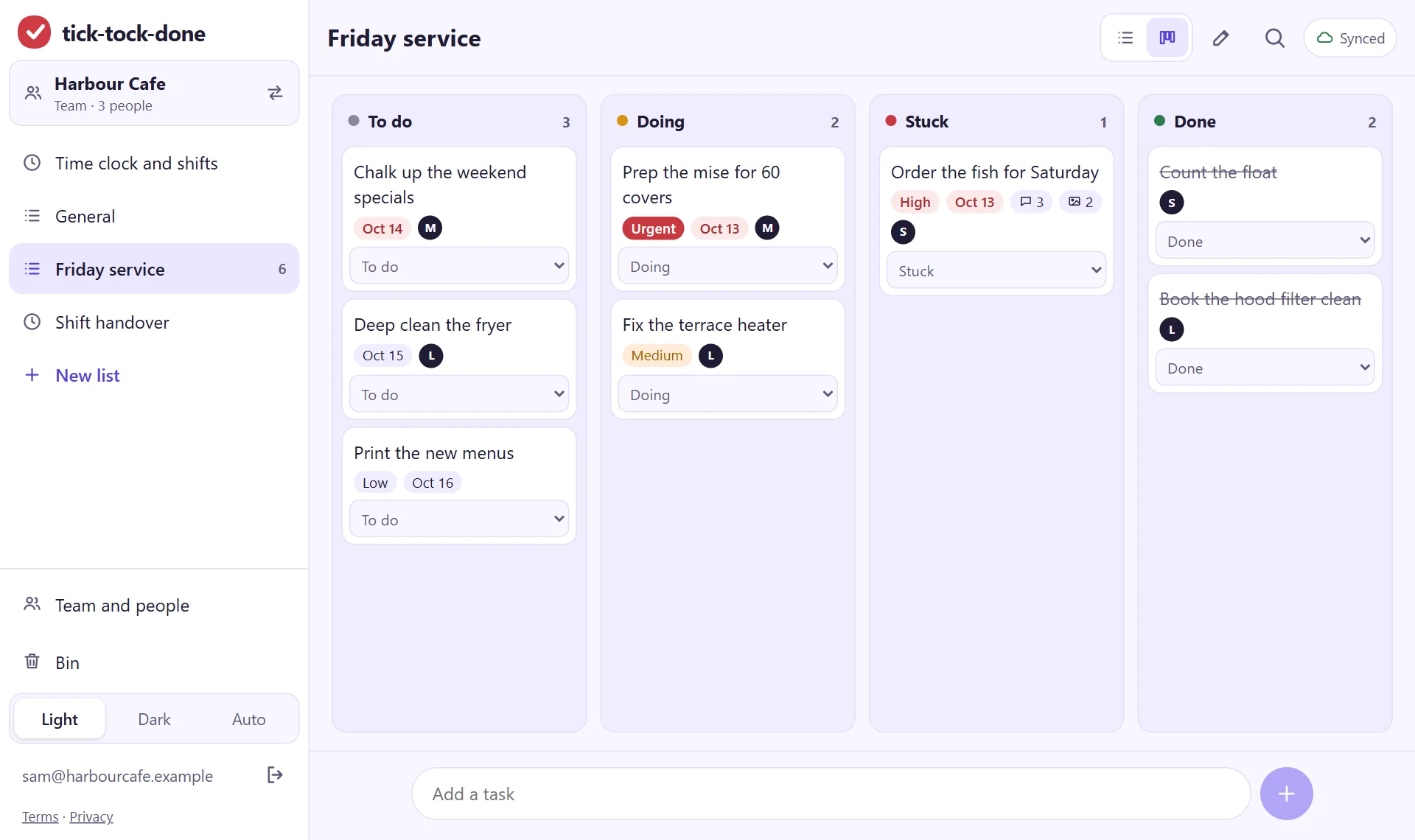
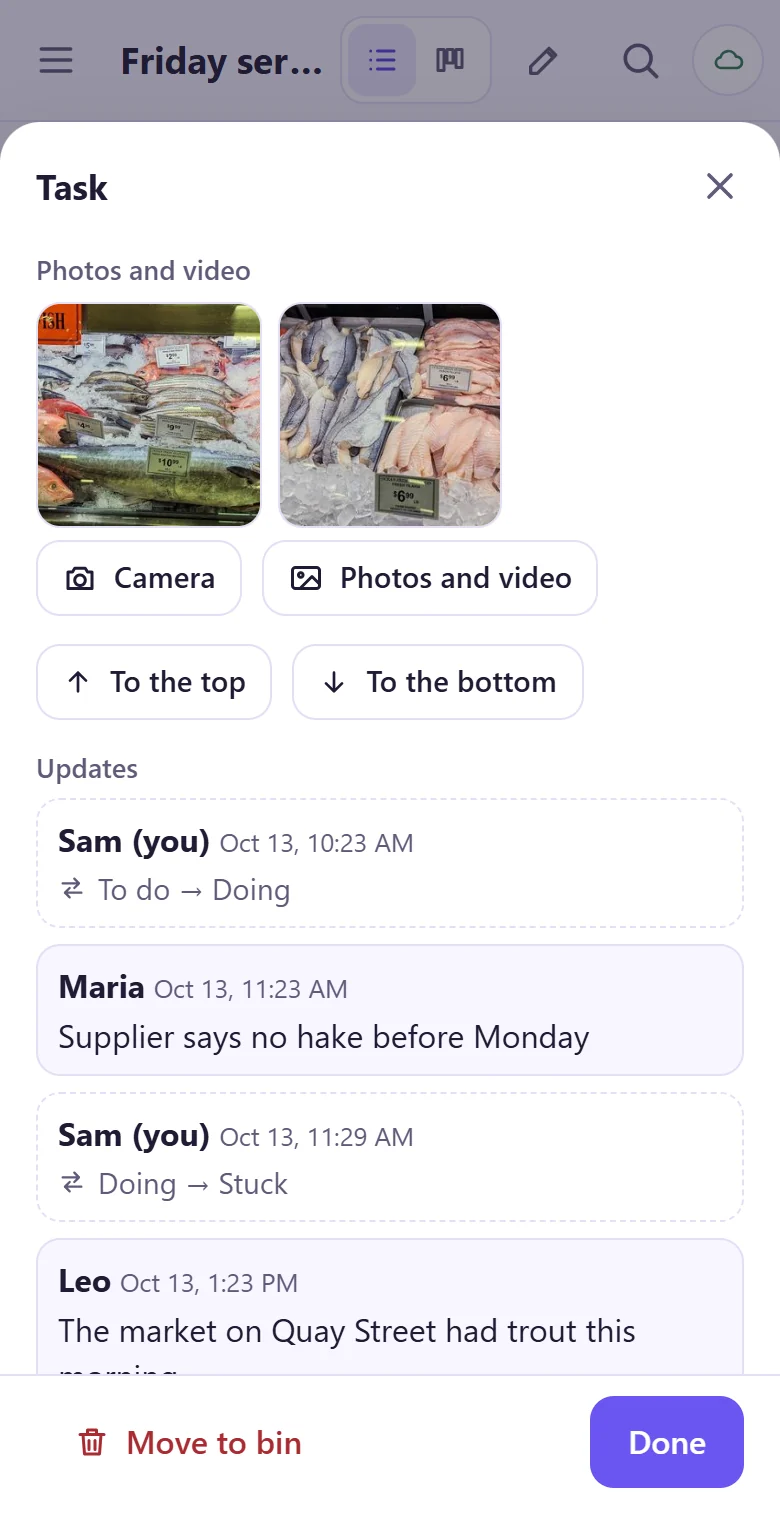
The day's runs, in the order the truck goes
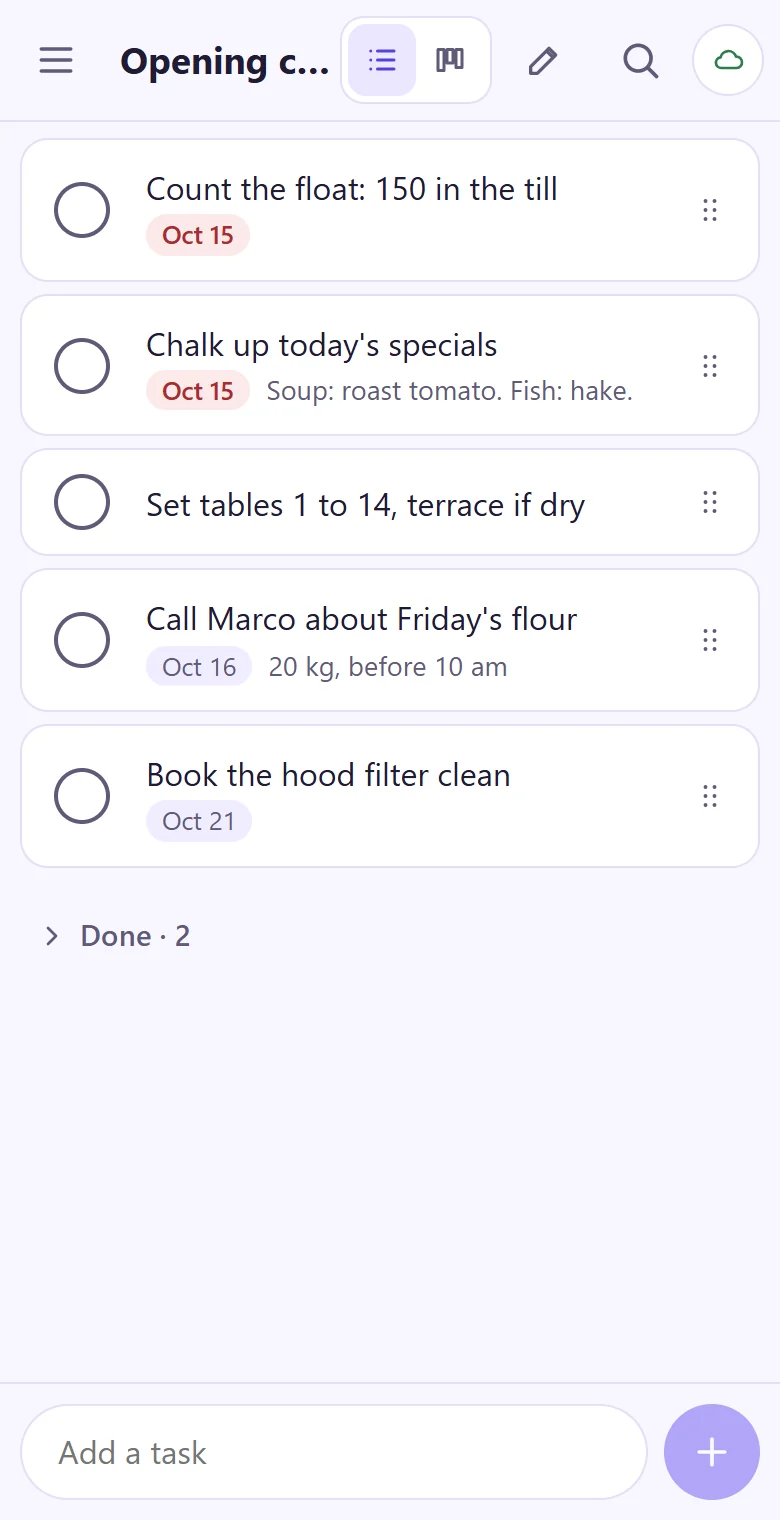
Make a task for each drop-off and pickup: the address, what goes, the time the customer asked for. Give it to a driver and a day, and they see their own runs on the phone in the morning. Rename the statuses to fit the yard, like Loaded, On the way, Dropped off, Picked up.
- A list per truck, per driver or per day
- Notes on gate codes, where to leave it and who signs
- Pickups on the same board as drop-offs, so a late one shows
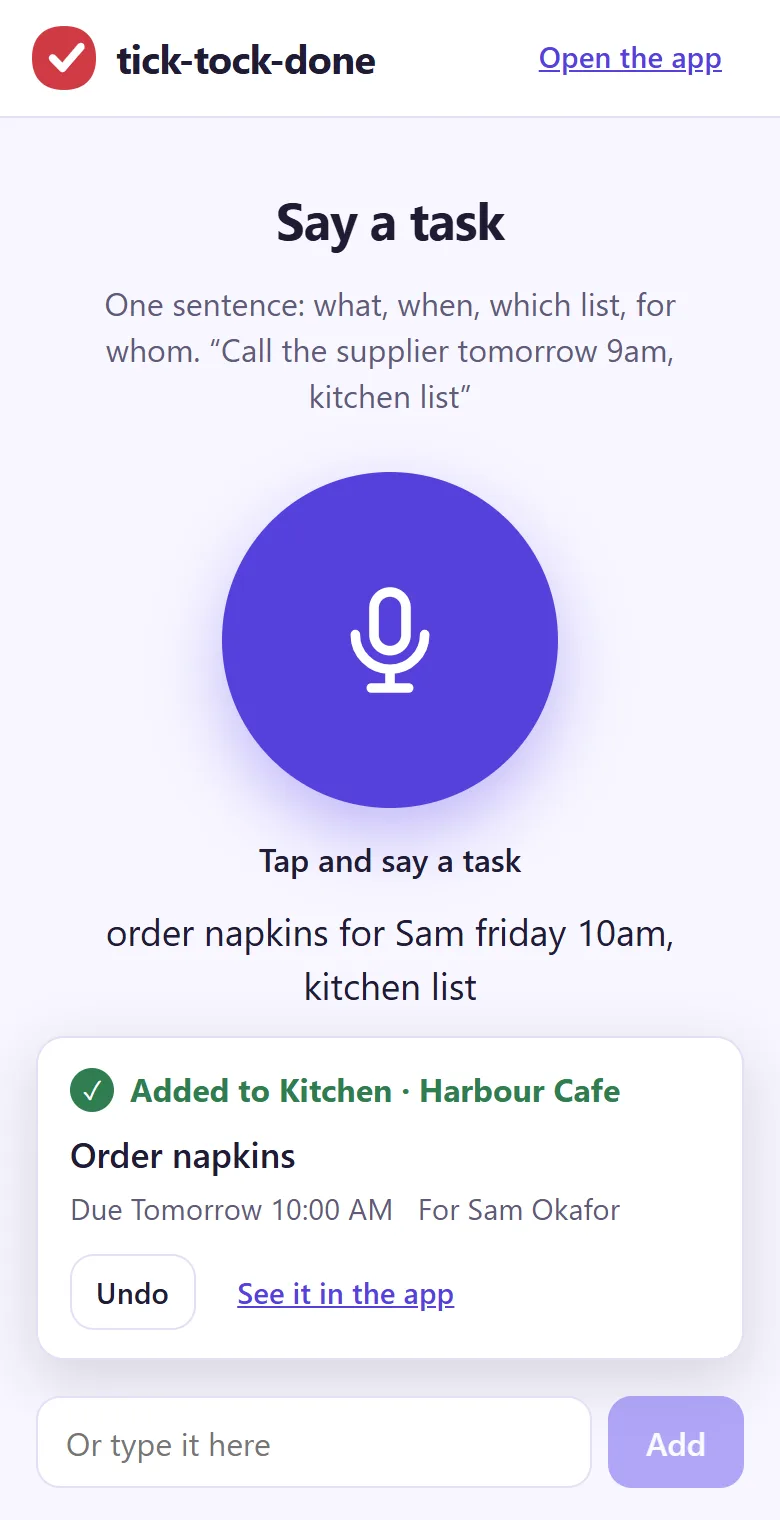
- Add a run by saying it: "pick up the mini excavator at Oak Street Friday 3pm, Sam"
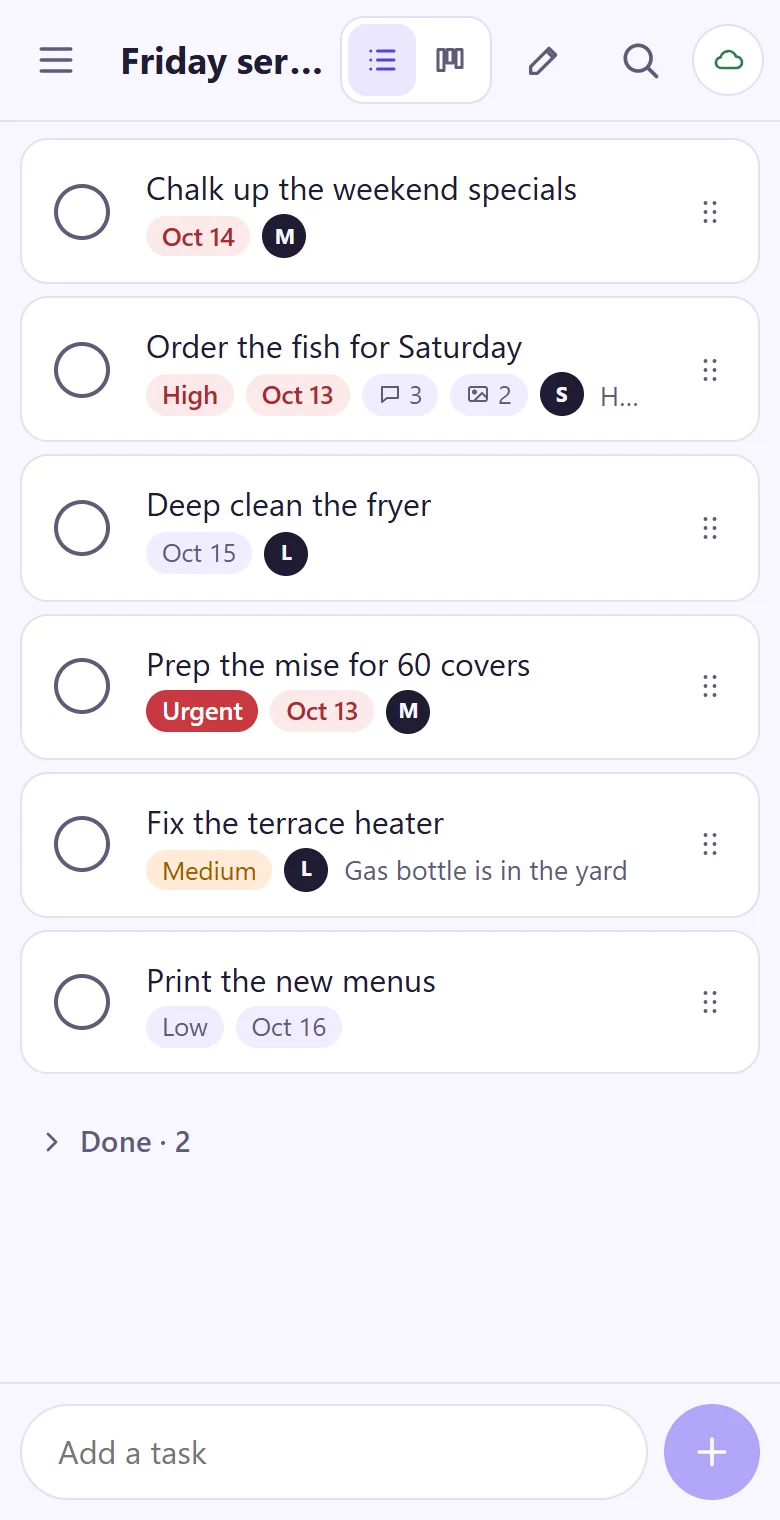
Photos when it leaves, photos when it comes back
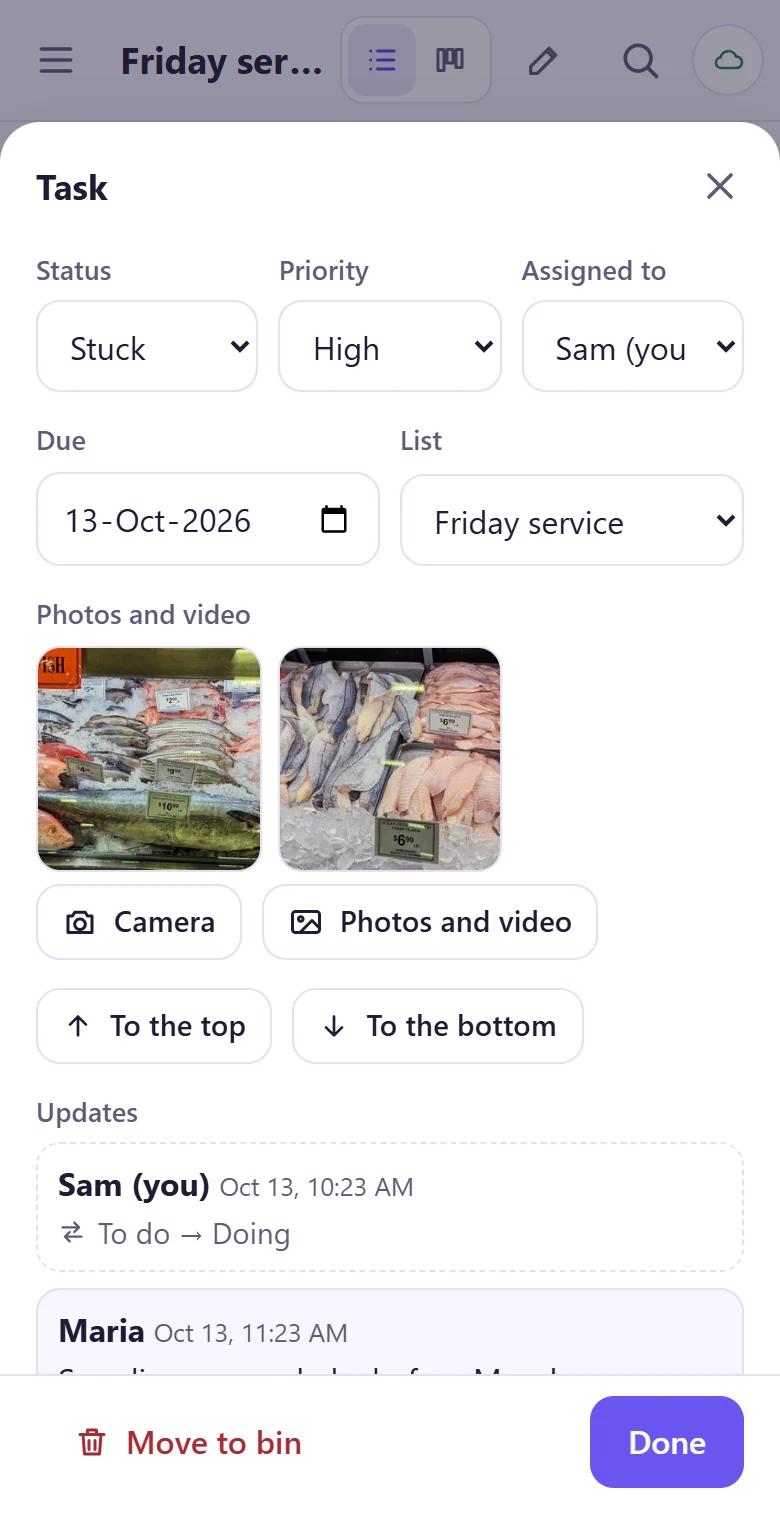
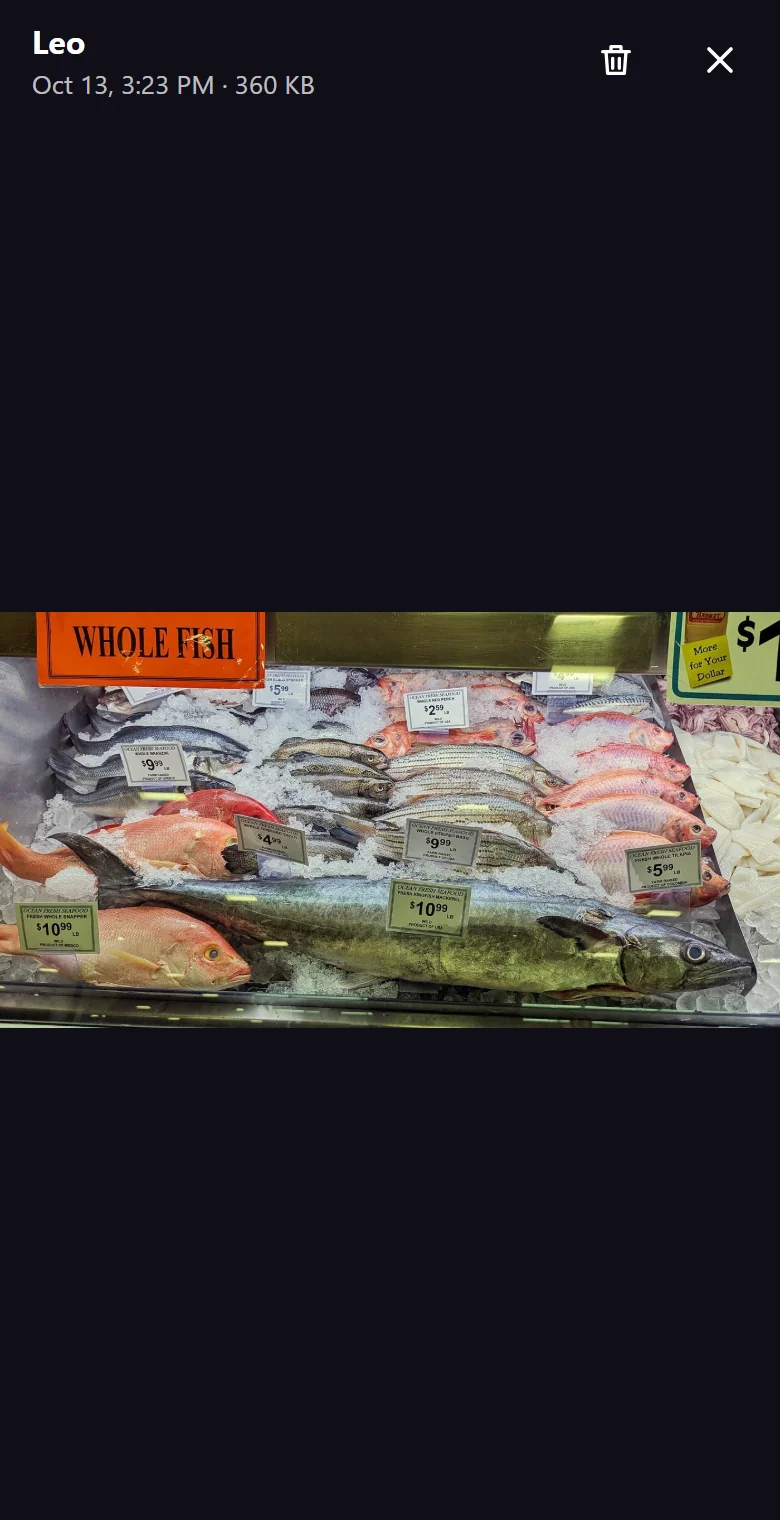
At the drop-off the driver adds photos or a short video of the gear to the task, from every side, with the hour meter or the tent's corners in view. At pickup they do the same. Both sets stay on the task with the time they were added, so a damage question is answered by looking, not by arguing.
- Photos and short videos on any task
- The time each photo was added, kept with it
- Everyone in the team sees them, so the office doesn't have to call the driver
- Photos upload when the phone has a connection
The yard: checks, repairs and who is on
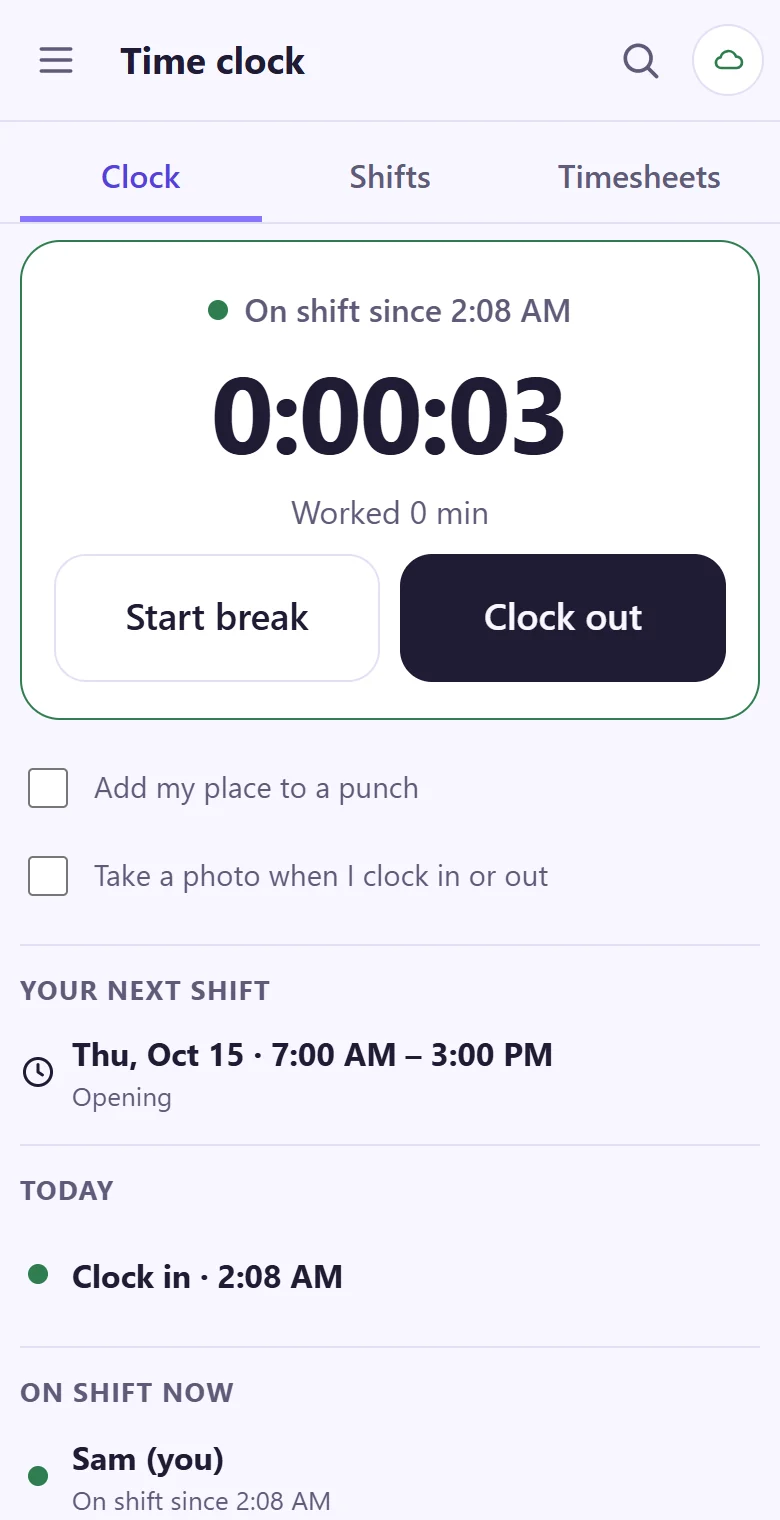
Gear that comes back has to be checked, cleaned, fuelled or charged before it goes out again. Keep a checklist for it, give it to the yard crew, and see what's ready to rent. The time clock and the week's shift plan sit in the same app, for drivers and yard staff alike.
- A return checklist: clean, fuel or charge, check, tag as ready
- Repairs as tasks, with a photo of what's broken
- Clock in at the yard gate; hours by person and week for payroll
- Time-off and shift-change requests in the app, not by text
Already have rental software?
Keep it for bookings, stock and invoices. tick-tock-done is for the crew's side of the day: who drives what, the photos at both ends and the yard work in between. The drop-off and pickup sheet (no sign-in) prints a page for each run if you'd like paper in the truck too.
Put tomorrow's runs on the list.
It takes about a minute: your email, a code, and you're typing. Then read the join code out to the drivers.
Get started